FOLLOW US

Last update: Jan 19, 2026 Reading time: 13 Minutes
Your SEO tech stack keeps growing, but the story your data tells still feels messy.
GA4 shows sessions and events. Search Console shows queries and impressions. Your CRM shows leads, but not always the path that created them.
That disconnect is what SEO integration solves. It aligns tracking, URLs, and reporting definitions, so organic search performance connects to outcomes like sign-ups, demo requests, and sales.
AI raises the stakes. When AI tools speed up content updates, you need measurement that proves what works. Use these integrations to spot the missing links fast, and lean on 2POINT when you want a clean plan to connect the stack without adding bloat.
SEO integration is how your site, analytics, SEO tools, and marketing systems share URLs, events, and attribution, so reports tell one story. When the wiring is right, you can trace a lead or purchase back to the page that drove it and query that page.
That starts with verification and monitoring, as outlined in Google’s Search Console setup documentation.
This is not “install a plugin and call it done,” it is keeping signals aligned after theme changes, tracking updates, and form launches.
A few examples:
Think of your SEO tech stack as layers that should share the same signals, like URLs, canonicals, schema, and conversion events:
Once you map what’s already in place, the gap is usually integration, not new SEO tools. On WordPress, overlapping plugins often conflict with sitemaps, schema, canonicals, or caching, causing errors and slowing the site. The goal is to connect without duplication.
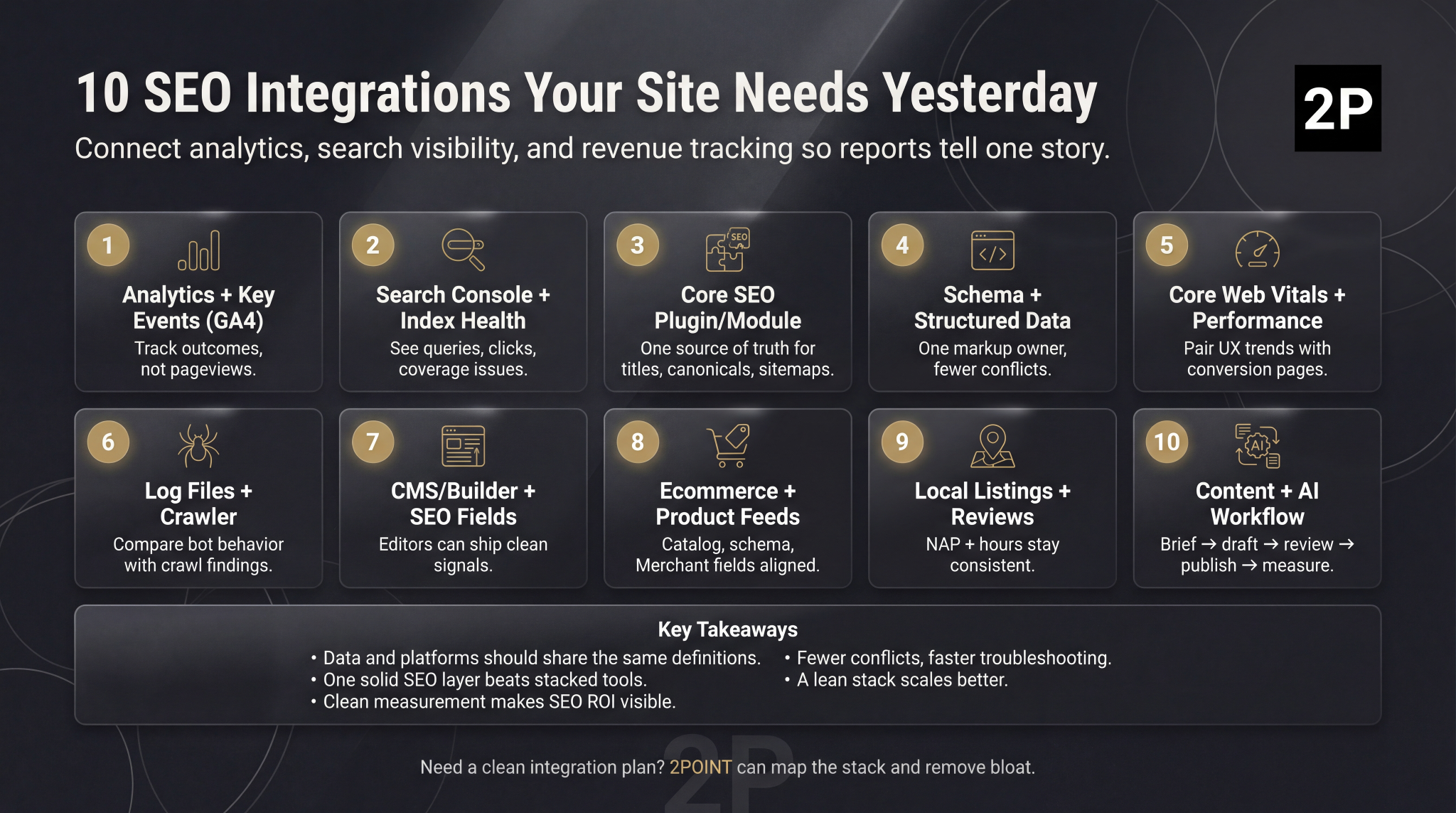
Start with these SEO integration connections to turn scattered tools into dependable, measurable outcomes.
Analytics that stop at pageviews can’t prove SEO impact, because pageviews rise for many reasons.
With SEO integration, organic traffic ties to outcomes that match your business, like qualified form submits, demo requests, purchases, and calls, using the same event definitions across the site.
In GA4, mark the actions that matter as key events, keep naming consistent, and QA them on staging so reporting stays trustworthy. If your reporting still leans on legacy assumptions, moving off Universal Analytics to GA4 helps keep event definitions consistent, so you can compare SEO landing pages by conversion quality, not just traffic.
A Journal of Marketing Analytics case study supports mapping touchpoints before optimization, which is why stable measurement is the base layer for everything that follows.
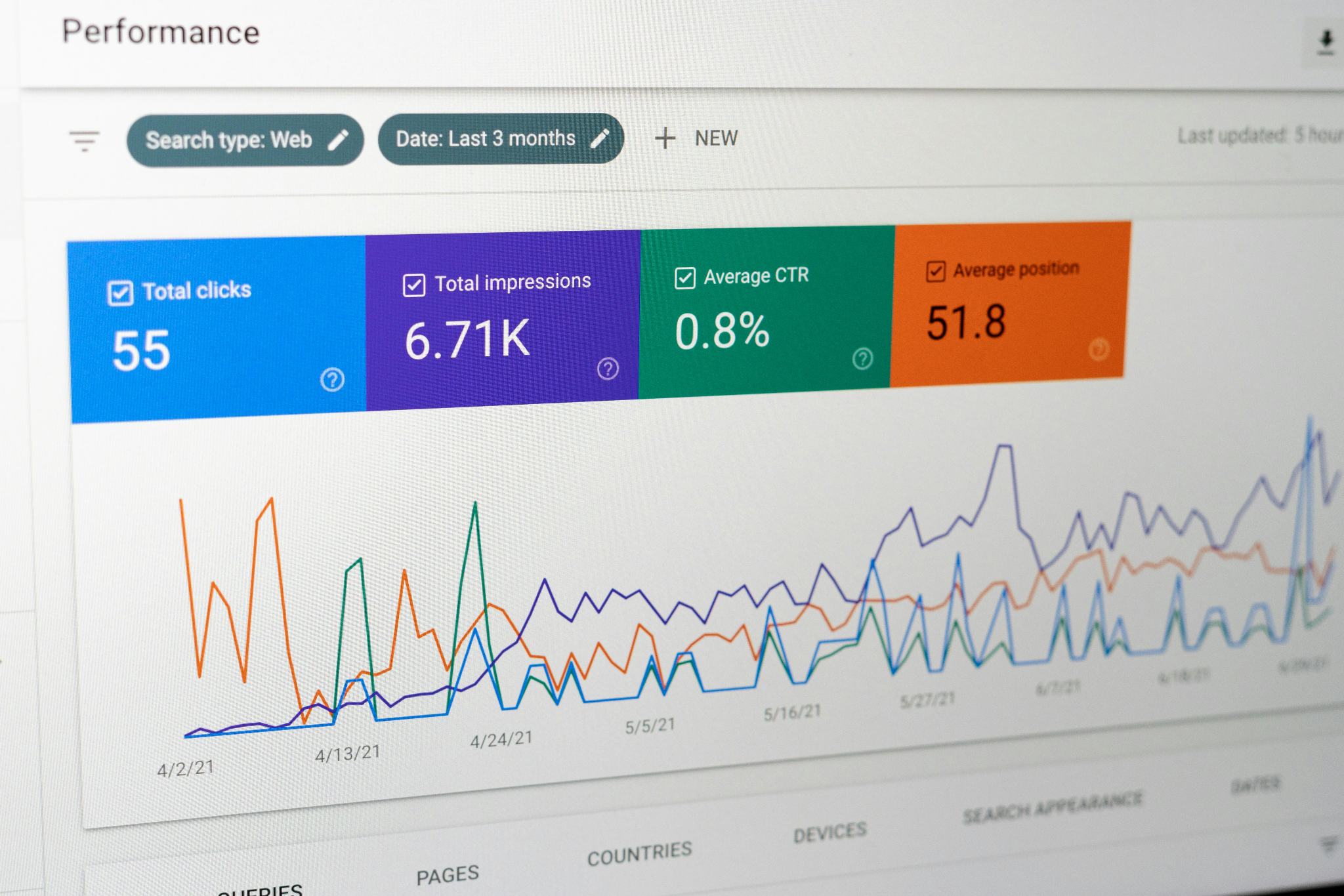
Once your site is verified and configured, you can see the queries driving impressions, the pages earning clicks, and the index issues blocking visibility.
That visibility matters most when it lines up with strong on-page SEO practices across templates, so Search Console data reflects real optimization work rather than surface-level fixes.
To make it actionable, build a monitoring loop:
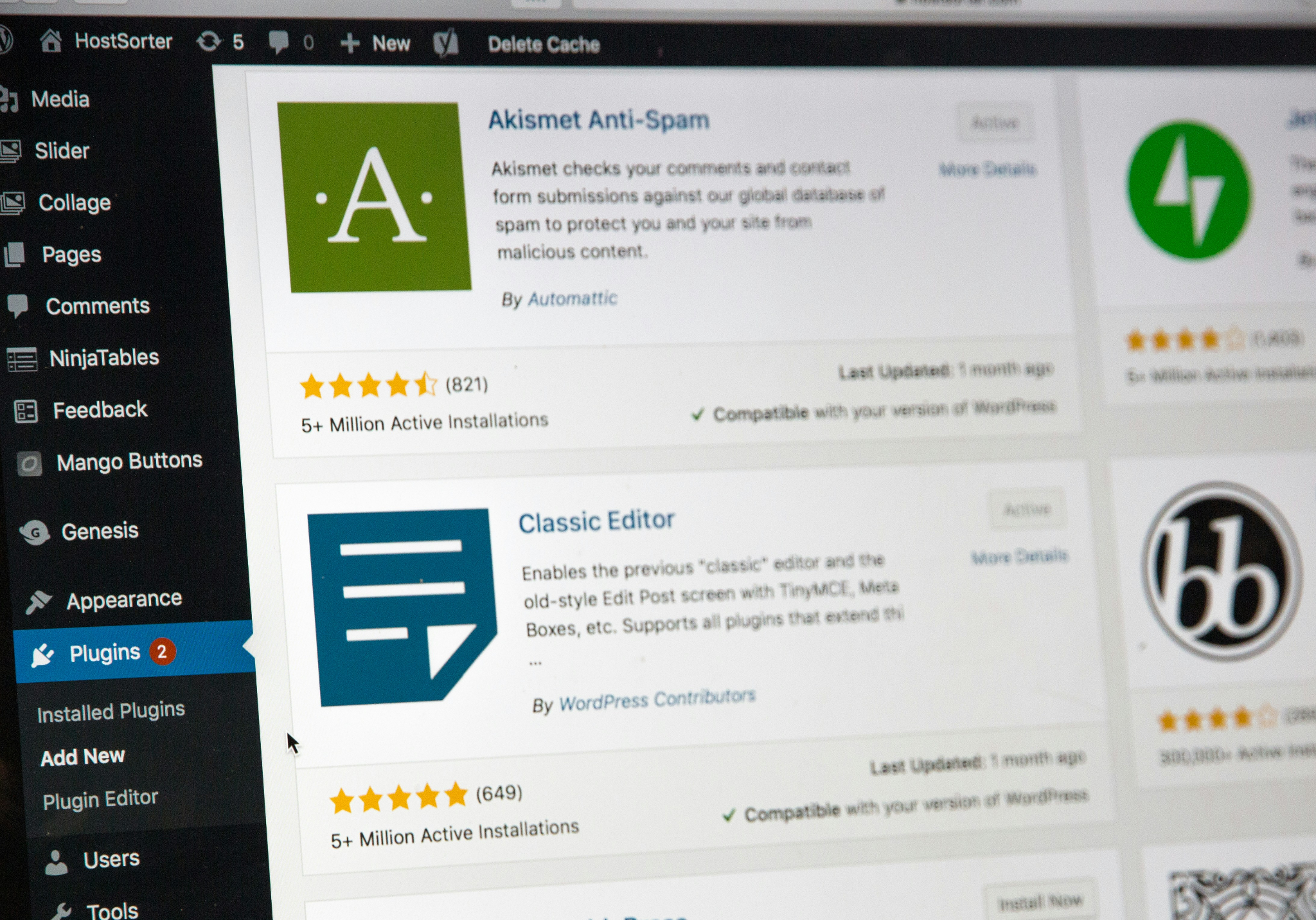
On WordPress, plugin sprawl creates conflicts you often don’t notice until rankings dip. Pick one primary WordPress SEO plugin as the source of truth for metadata, XML sitemaps, and core schema templates, so every page publishes consistent signals.
The best choice depends on your site and workflow, but the role stays the same.
It should align with Search Console and analytics, and remain compatible with your theme and builder, so updates don’t break output.
Make it work like a system:
Structured data and schema help search engines interpret page type and key attributes, so your content can qualify for rich results when markup stays consistent across templates, as outlined in Google’s structured data guidelines.
Problems occur when multiple systems output schemas simultaneously.
Your WordPress SEO plugin, ecommerce app, review widget, and schema generator can all publish overlapping markup, which creates duplicates and validation errors, such as multiple Product or Breadcrumb outputs.
With strong SEO integration, schema becomes a controlled template layer. One owner manages templates, changes are reviewed, and key pages get checked in the Rich Results Test after releases, so eligibility improves without breaking.
Performance is an SEO signal you feel in rankings and revenue. Slow pages leak attention.
Core Web Vitals measures real user experience across loading, responsiveness, and visual stability, so it belongs inside your SEO integration stack.
Lab tests like Lighthouse catch regressions early, while field data in Search Console shows what visitors experience at scale. Google also updates the scoring, including the shift to INP for responsiveness, so tracking aligned with Google’s definitions prevents stale targets.
When CWV trends sit beside landing-page conversions, you can prioritize fixes on the pages that already earn organic demand.
A crawler shows what your site exposes. Server logs show which Googlebot requests, letting you see crawl behavior in real traffic.
When you combine both, you can spot what wastes crawl budget and what delays indexing.
A crawl may flag redirect chains and parameter URLs, while logs reveal bots hitting them repeatedly, even as priority pages go ignored.
This also ties into optimizing around top SEO ranking factors, since clean crawl paths and fewer technical dead ends help your strongest pages get discovered, evaluated, and trusted faster.
Use this integration to:
Page builders ship pages quickly, but they can hide SEO fields and push critical output into client-side rendering. When editors can’t see titles, canonicals, or index controls inside the CMS, mistakes slip into production and spread across templates.
This aligns with Google’s JavaScript SEO basics guidance, which explains how client-side indexing signals can fail or be delayed.
On WordPress, align your theme, builder, and SEO plugin as one system, with clear ownership and fewer moving parts:
Get this layer right and each new page launches with clean signals, without post-publish cleanup.
Your product catalog is your SEO surface area, so alignment keeps visibility predictable.
This is also why starting an ecommerce business on clean foundations matters: the way you set up categories, titles, and product data early becomes the structure Google crawls, and shoppers rely on later.
When titles, categories, and variant rules match across your store, feeds, and pages, Google can classify products faster and surface them with fewer surprises, including rich results when structured data stays valid.
To keep ecommerce SEO integration tight, align:

Local SEO breaks fast when business details drift. One wrong hour can cost a visit.
Mismatched NAP (name, address, phone) also confuses users and crawlers, which aligns with Google’s Business Profile guidelines on keeping information accurate and consistent.
Keep listings and reviews moving through one workflow, so updates land everywhere without manual cleanup. Sync NAP, hours, service areas, and categories across your site and directories, and add an approval step before reviews are published to ensure ratings and schema remain accurate per location.
With that foundation in place, location pages scale cleanly. Reporting remains comparable across markets, since performance changes reflect reality rather than data drift.
Content is where SEO scales or stalls. AI can speed up briefs and on-page checks, but it only helps when it sits inside the same CMS workflow, so suggestions turn into published changes you can measure.
Keep the integration practical. Tie your calendar to keyword intent and page types, run one pipeline for brief → draft → review → publish, and standardize assets so pages ship clean.
That means:
A lean stack beats a loud stack because every extra tool adds maintenance and conflict risk.
When those tools disagree on attribution, you end up debating dashboards rather than results, which makes it harder to judge SEO ROI as a real investment decision.
Use a simple prioritization lens:
A safe order for most sites:
Audit plugins and tools on a schedule, so updates don’t quietly break your SEO integration stack.
If you’re searching for the best SEO plugin for WordPress, the real question is integration.
A plugin can look great in isolation and still fail when a builder update duplicates the schema or caching delays metadata changes.
Use this checklist to choose with intent:
Once it connects to Search Console, analytics, and performance monitoring, your WordPress SEO plugin becomes a stable SEO layer rather than another moving part. That’s where 2POINT helps most, spotting conflicts and simplifying the setup so signals stay consistent.
You don’t need to code to improve SEO integration, but you do need a controlled workflow, since small changes can create silent SEO issues that only show up after rankings or conversions shift.
Use this process:
SEO integration isn’t about collecting tools.
It’s about connecting the right ones so your data stays consistent, your reports agree, and your team can move without second-guessing every metric.
A lean SEO tech stack holds up over time, too. You spend less energy untangling plugin conflicts and more energy improving the pages and funnels that actually drive leads, sign-ups, and sales.
If you want support, 2POINT can review your current setup, pinpoint the integrations that are distorting reporting or slowing the site, and lay out a clear fix list your team can implement. Start with SEO audits and integration cleanup to turn your stack into a real advantage.
SEO integration links measurement, search visibility, and lead capture to ensure your reports align. With aligned tagging and definitions, your SEO tools can connect queries to landing pages and conversions, making prioritization easier and reducing time spent reconciling dashboards.
Small sites can stay lean if the basics are consistent: one analytics setup, one verified Search Console property, and a clear conversion goal. Build your SEO tech stack around decisions you will actually make, not every available feature.
Performance drops when overlapping plugins duplicate sitemaps, schema, or caching rules. Consolidate features, remove dead weight, and benchmark after each change. Keep SEO tools limited to what you monitor weekly, and keep your SEO tech stack documented for quick audits.
Choose the best SEO plugin for WordPress by checking fundamentals: editable titles and meta, clean canonicals, reliable sitemaps, and stable schema defaults. A WordPress SEO plugin should also play well with your theme and caching, so updates do not break output.
Review SEO integration monthly if you publish often or update plugins, and run a deeper audit each quarter. After major releases, recheck key events, indexing, and schema, and log what changed so you can trace any ranking or conversion shifts back to a specific update.

Backlinks seem simple until you try to deliberately replicate results. One strong link lands, rankings shift, and a pattern starts to show. The link helped because it fit the context, was on a page that already mattered, and pointed to something worth citing.
DIY SEO can work. It can also quietly drain months if you are fixing the wrong things, chasing the wrong keywords, or guessing at technical changes that affect revenue. Before you commit to a path, you need a way to judge what is realistic for your team, what is risky, and what is simply not worth doing alone.

Enterprise SEO, ecommerce SEO services, and local SEO each promise growth. In a scaling company, that can turn planning into a three-way tug-of-war.

 let’s connect



