

 let’s connect


What Is Website Animation and Why Does It Matter?
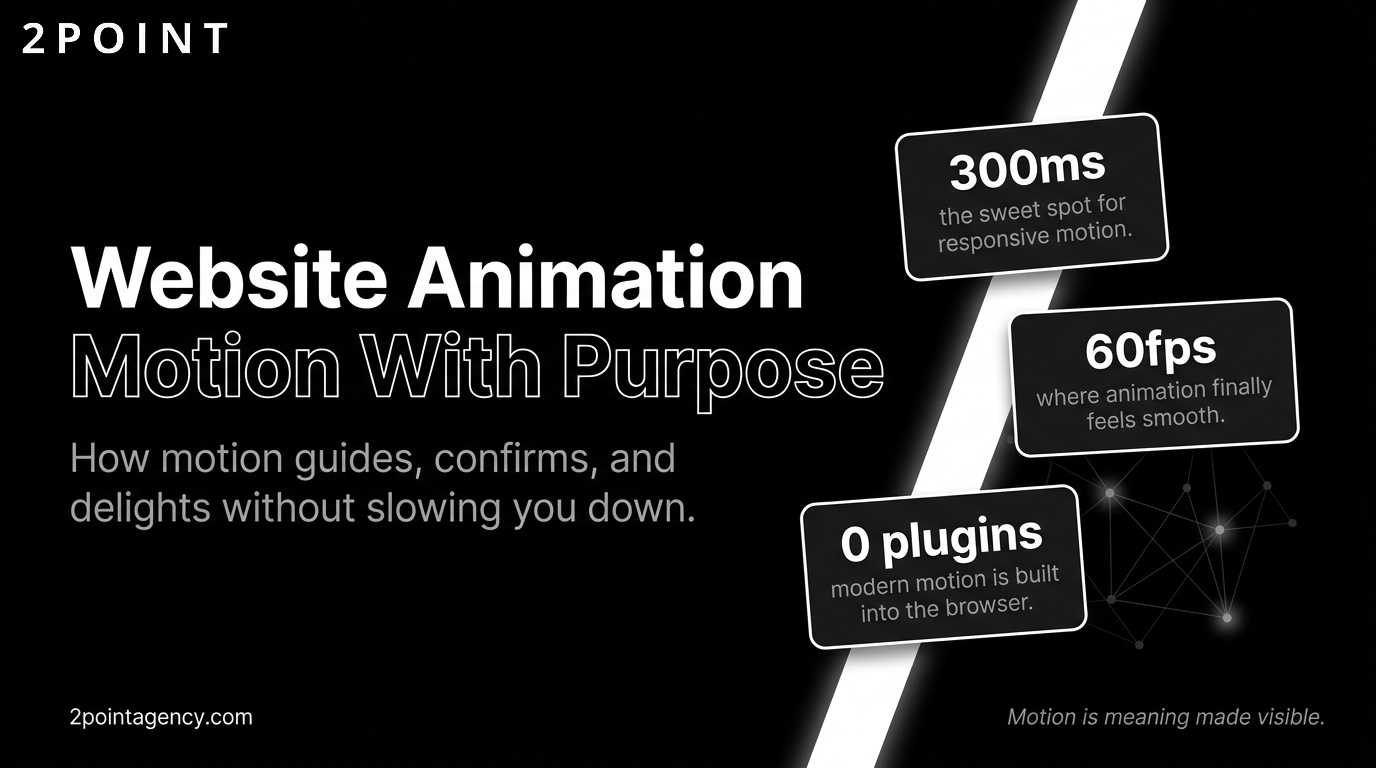
- Website animation refers to any motion applied to elements on a webpage using CSS, JavaScript, or canvas-based technologies.
- Animations guide user attention, confirm interactions, and communicate system status without requiring extra text.
- In 2026, website animation is a functional design component, not a decorative extra.
- Well-implemented animations improve engagement, reduce cognitive load, and strengthen brand identity.
- Animations under 300ms are optimal for perceived performance, keeping interfaces feeling responsive.
- Modern web animation runs on HTML5, CSS3, JavaScript, and Canvas, replacing the discontinued Flash platform.
- Done poorly, animation slows pages, distracts users, and creates accessibility barriers.
- Done well, animation turns a functional interface into a memorable, intuitive experience.
The Evolution of Website Animation: From Flash to Modern Web Standards
Website animation has traveled an enormous distance in a short time. What began as blinking banners and looping GIFs in the early days of the web grew into a Flash-driven ecosystem that could produce rich, cinematic experiences. But that ecosystem had a fatal flaw: it required a proprietary plugin, it struggled on mobile devices, and it became a security liability. When Adobe officially ended Flash support at the close of 2020, the browser animation landscape was already well into its successor era. Understanding that transition is essential context for anyone building animated websites today.
The shift was not simply a technology swap. It represented a philosophical change in how designers and developers thought about motion on the web. The new tools prioritized openness, performance, and accessibility over the walled-garden richness that Flash had offered. The result is a more capable, more responsible animation ecosystem than anything that came before it.
The Death of Flash and Rise of Native Browser Animation
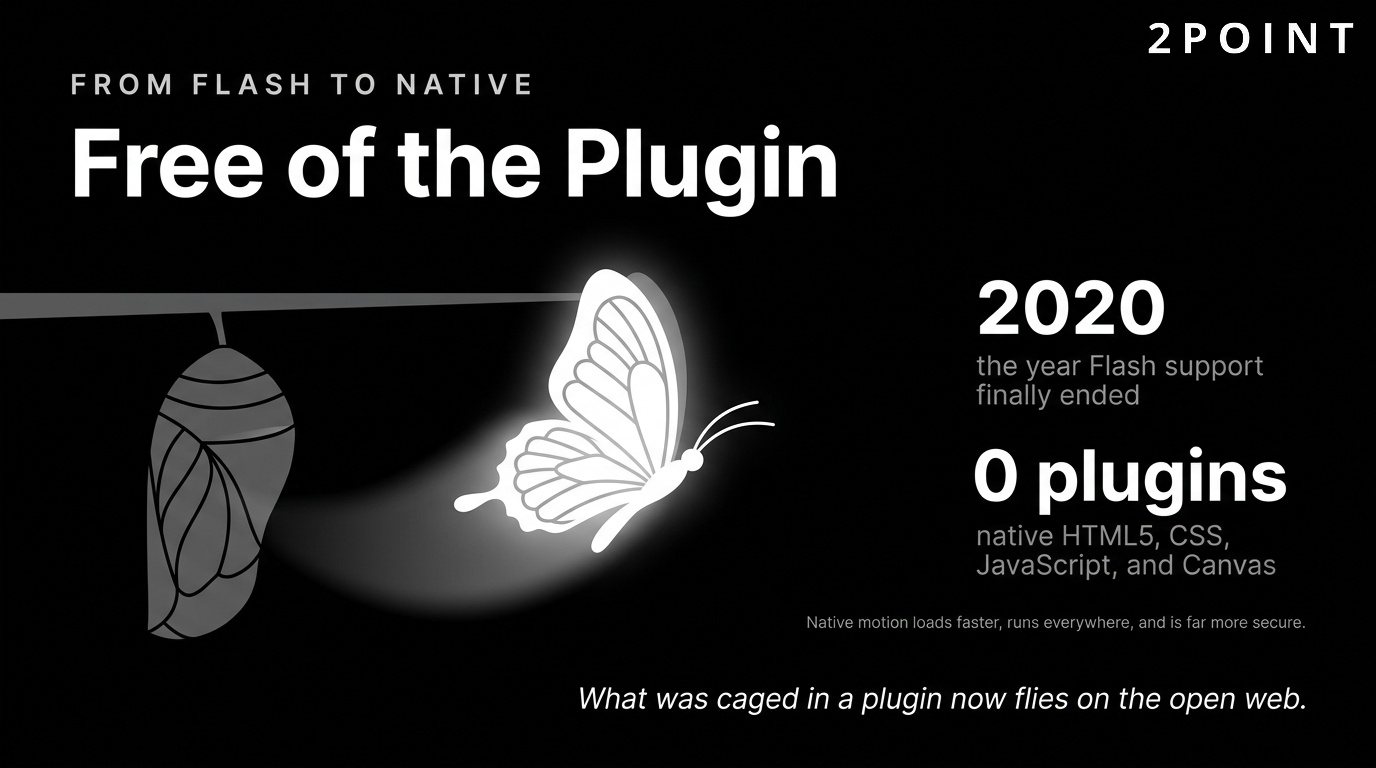
Flash dominated web animation from the mid-1990s through roughly 2010. It allowed designers to create complex, timeline-based animations that the native web simply could not replicate at the time. But Flash required a browser plugin that Apple refused to support on iOS, opening the door for HTML5 to assert itself as the standard-bearer. Modern web animation now lives in HTML5, CSS, JavaScript, and Canvas, all technologies built directly into browsers with no plugin required.
This transition brought tangible improvements for users and developers alike. Native browser animation is faster to load, more compatible across devices, and inherently more secure. CSS transitions and keyframe animations can be declared alongside layout styles, meaning developers do not need to switch contexts or load external runtimes. JavaScript animation libraries tap directly into browser rendering engines, producing smooth motion that synchronizes with the display refresh rate. The result is animation that feels native rather than bolted on.
Mobile-first design requirements accelerated this transition significantly. Flash was simply unusable on smartphones. CSS and JavaScript animations, by contrast, scale naturally across screen sizes when implemented with responsive design principles. This alignment between animation technology and mobile reality made native browser animation not just preferable but necessary for any site expecting traffic from handheld devices.
From Decoration to Function: Animation's Maturing Role
Early web animation was almost entirely aesthetic. Logos spun, backgrounds pulsed, and text flew in from offscreen, not because these behaviors helped users accomplish anything but because designers could make them happen. The result was websites that were visually loud and experientially exhausting. Users learned to associate animation with noise rather than signal, a perception the industry has spent years correcting.
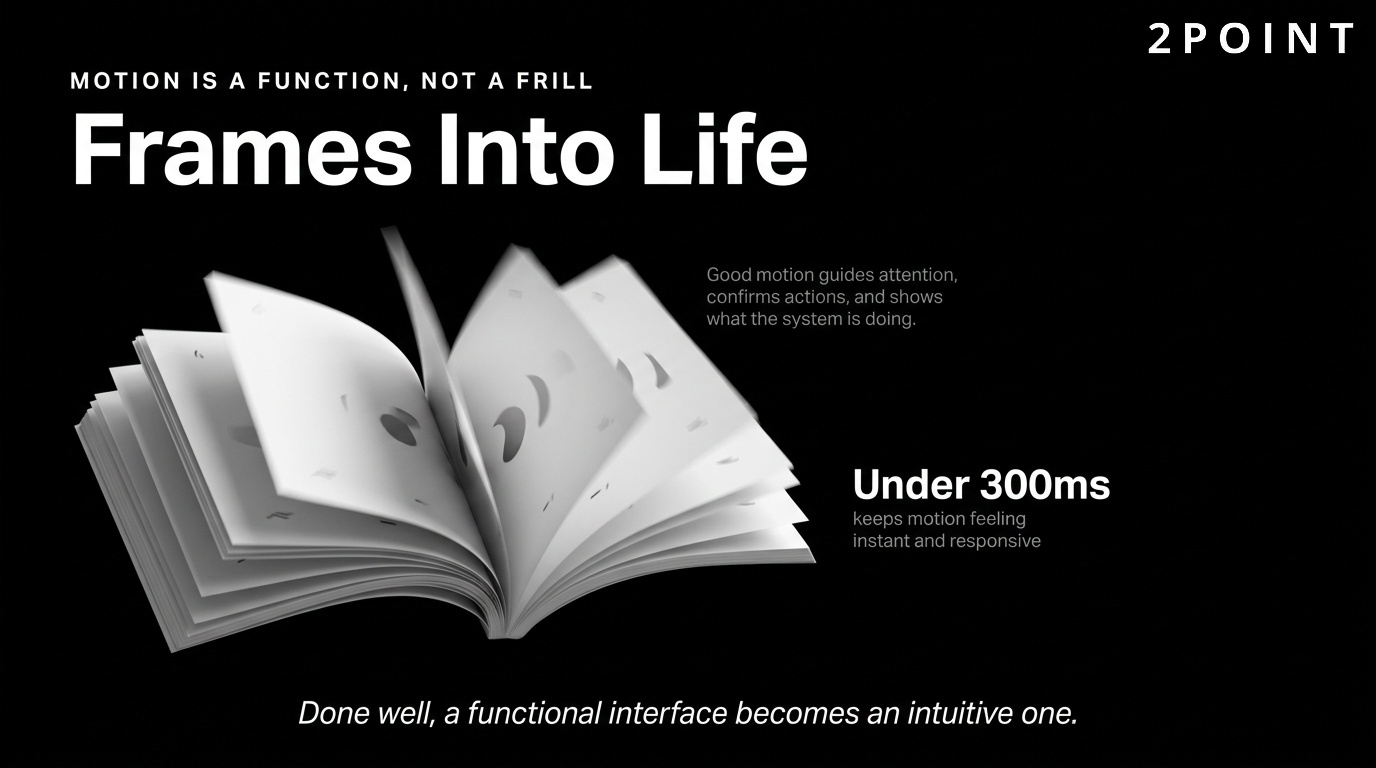
By 2026, that correction is largely complete. Good animation is not just decoration. It guides attention, gives feedback, and makes the experience feel more intuitive. A button that subtly scales when hovered tells users it is clickable before they click. A skeleton screen that loads in sequence communicates that content is arriving. A form field that shakes gently on an incorrect entry communicates rejection far more clearly than a red border alone. These are functional behaviors, not aesthetic flourishes.
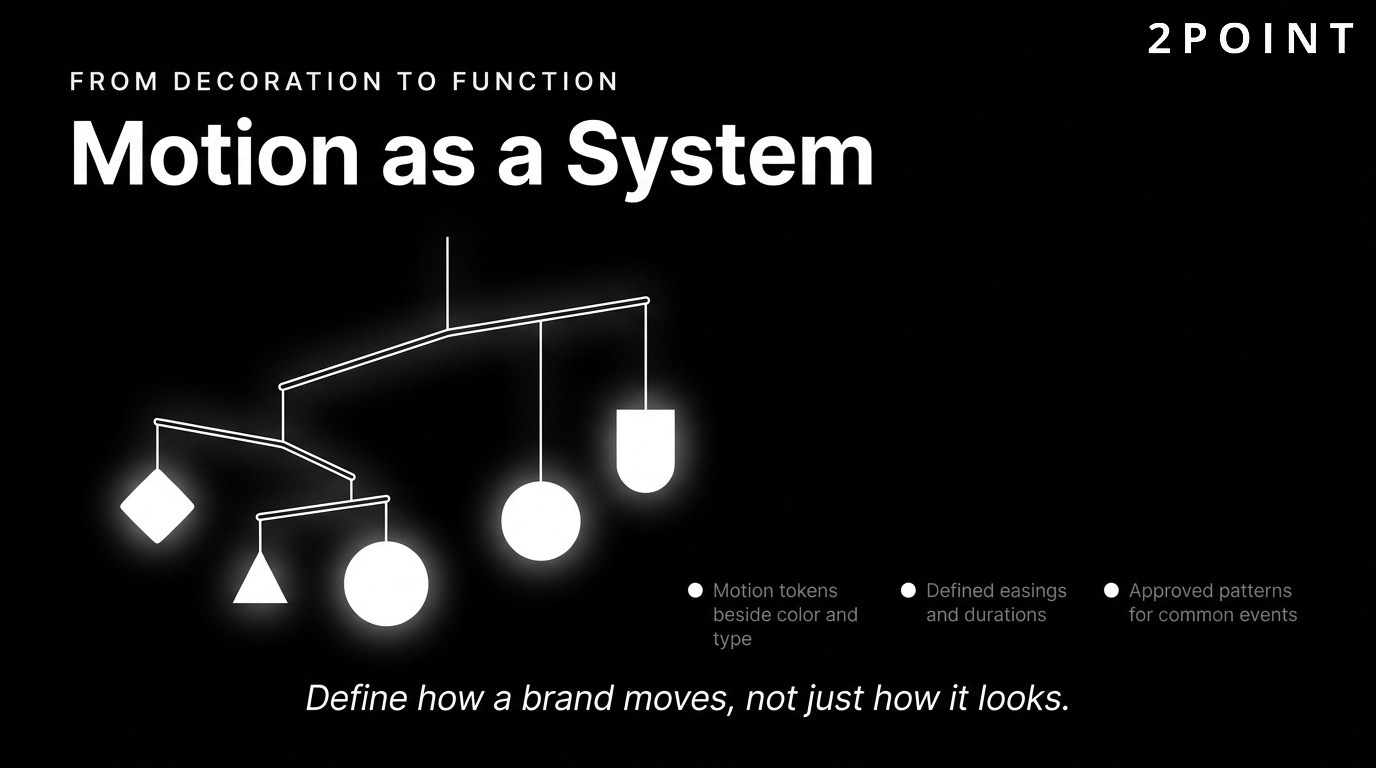
This maturation has changed how teams budget and plan for animation. Rather than treating motion as a final layer applied after the "real" design work is done, leading product teams now build animation into their design systems from the outset. Motion tokens, alongside color tokens and spacing scales, define how a product moves. Animation has become part of a brand's visual language, as deliberate and considered as typography or iconography. This is a significant step for user-centric design in modern web development.
The Business Case for Web Animation Today
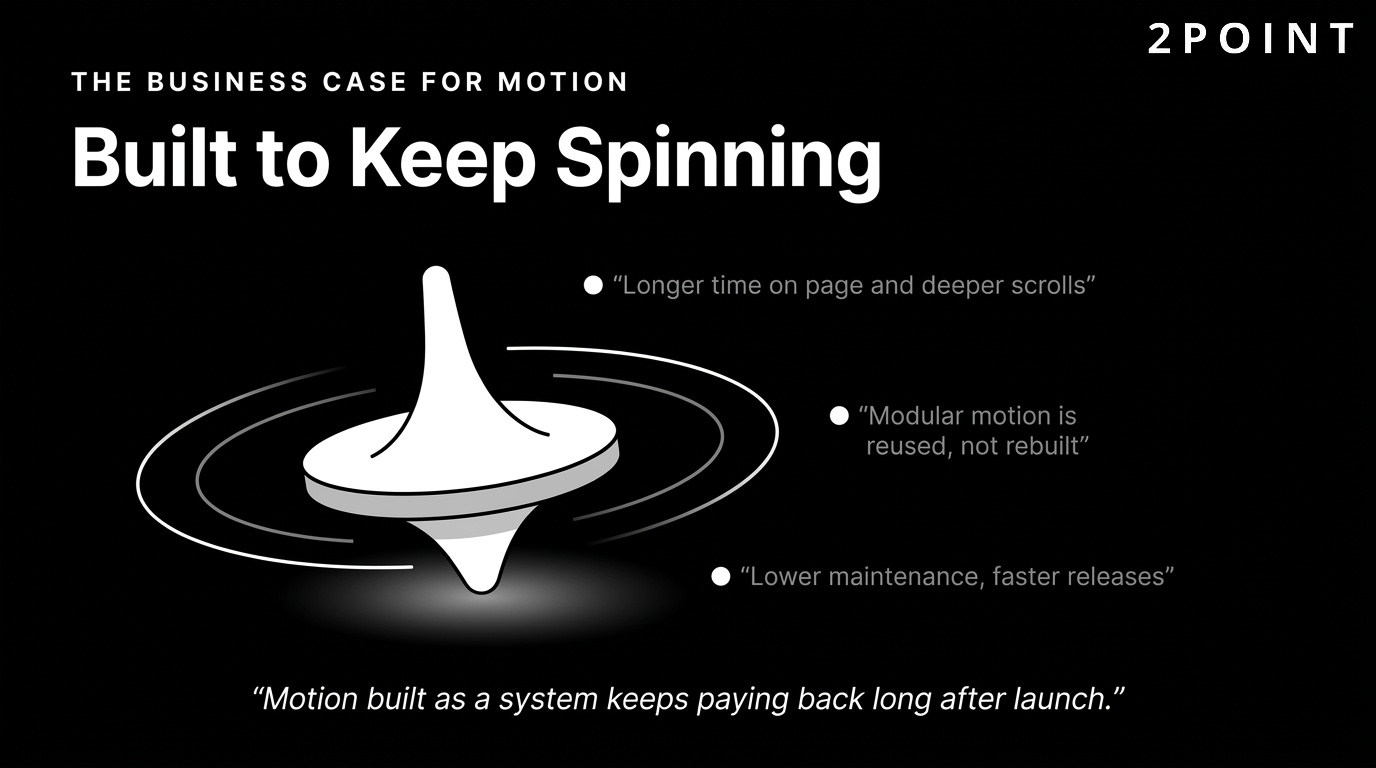
Beyond the craft argument, there is a compelling business case for investing in thoughtful website animation. Modern animation practices deliver measurable benefits across maintainability, performance, and user engagement. When animations are built as modular, reusable components rather than one-off scripts, teams can update and extend them without the fragility that plagued earlier approaches. This reduces maintenance overhead and speeds up iteration cycles.
User engagement metrics consistently reward well-animated interfaces. Time on page, scroll depth, and interaction rates tend to improve when animation is used purposefully to guide attention and reward interaction. Conversion rates on animated landing pages outperform static equivalents when the animation serves to clarify the value proposition rather than obscure it. Best practices make animation modular, easy to understand, update, and reuse, which directly translates to lower long-term production costs and faster time to market for new features.
Performance, which was once a liability for animated sites, is now a strength when animation is implemented correctly. Hardware-accelerated properties, lazy-loaded motion, and compressed animation assets mean modern animated websites can load faster than poorly optimized static sites. The business case is not simply about aesthetics. It is about building products that are faster, stickier, and more memorable than the competition. This directly supports customer retention over the long term.
Technology Stack Powering Modern Web Animation
The tools available for building website animation today are diverse and powerful. CSS transitions handle simple state changes like hover effects and color shifts with minimal code and near-zero performance cost. CSS keyframe animations extend this to multi-step sequences, enabling loading indicators, pulse effects, and entrance animations that require no JavaScript at all. For many websites, CSS alone covers the majority of animation needs.
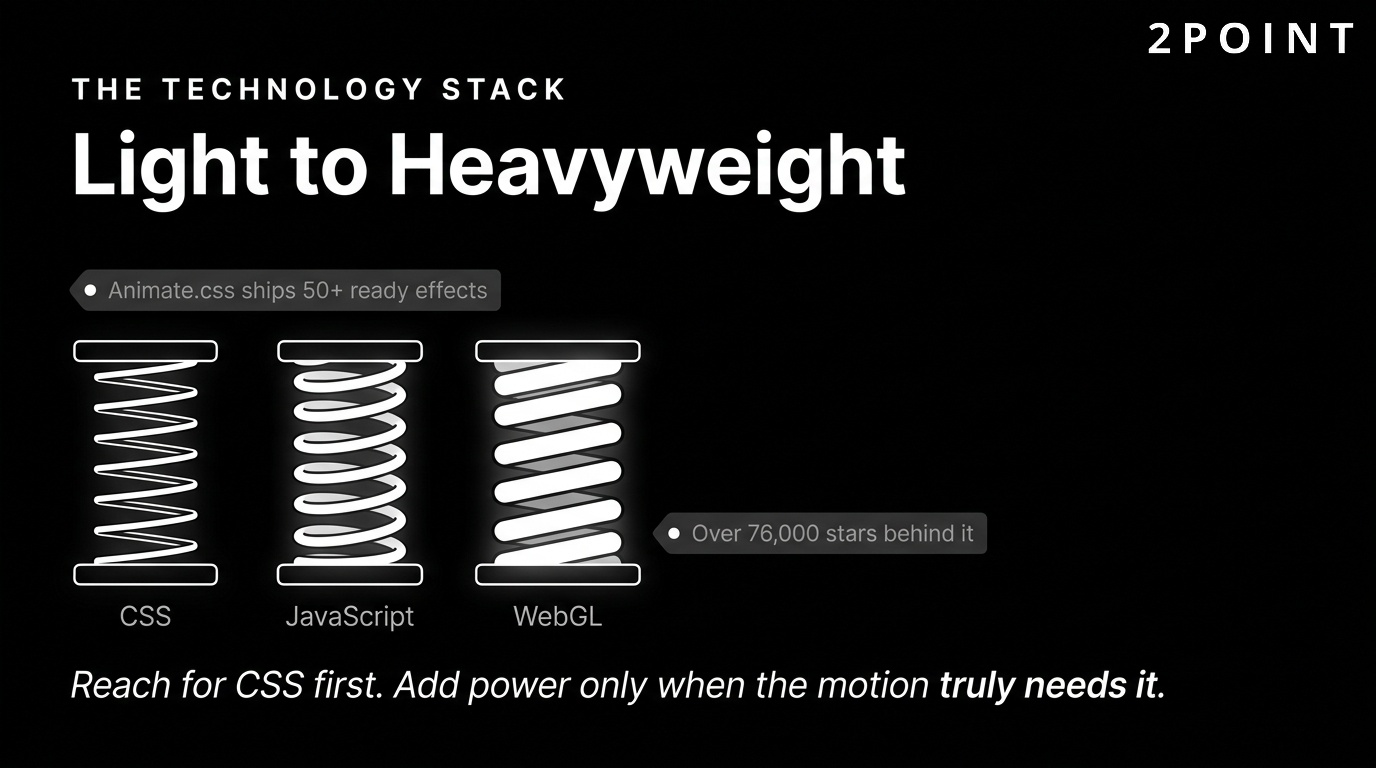
When complexity demands more, JavaScript animation libraries step in. GSAP (GreenSock Animation Platform) is the industry standard for complex, timeline-based sequences. Anime.js offers a lighter, more flexible API for developers who want power without the full GSAP footprint. Three.js opens the door to 3D animations and WebGL-powered experiences that would be impossible in CSS alone. WebGL and Three.js advancements have made immersive 3D experiences accessible to a much wider range of development teams, democratizing what was once the exclusive territory of specialized studios.
The most recent addition to this technology stack is AI-assisted animation tooling. Platforms that generate motion from text prompts, auto-optimize animation curves, and suggest accessibility improvements are moving from experimental to production-ready. These tools do not replace developer judgment but they dramatically reduce the time required to prototype and test animation ideas, particularly for teams without dedicated motion designers on staff.
8 Website Animation Trends Defining 2026
The animation landscape in 2026 is shaped by converging forces: more powerful browser APIs, mainstream adoption of AI tools, increased user sophistication, and a design culture that has firmly rejected gratuitous motion in favor of purposeful storytelling. The trends below are not predictions. They are active movements visible in award-winning sites, major product launches, and the work of leading digital agencies right now.
Immersive 3D and WebGL-Powered Experiences
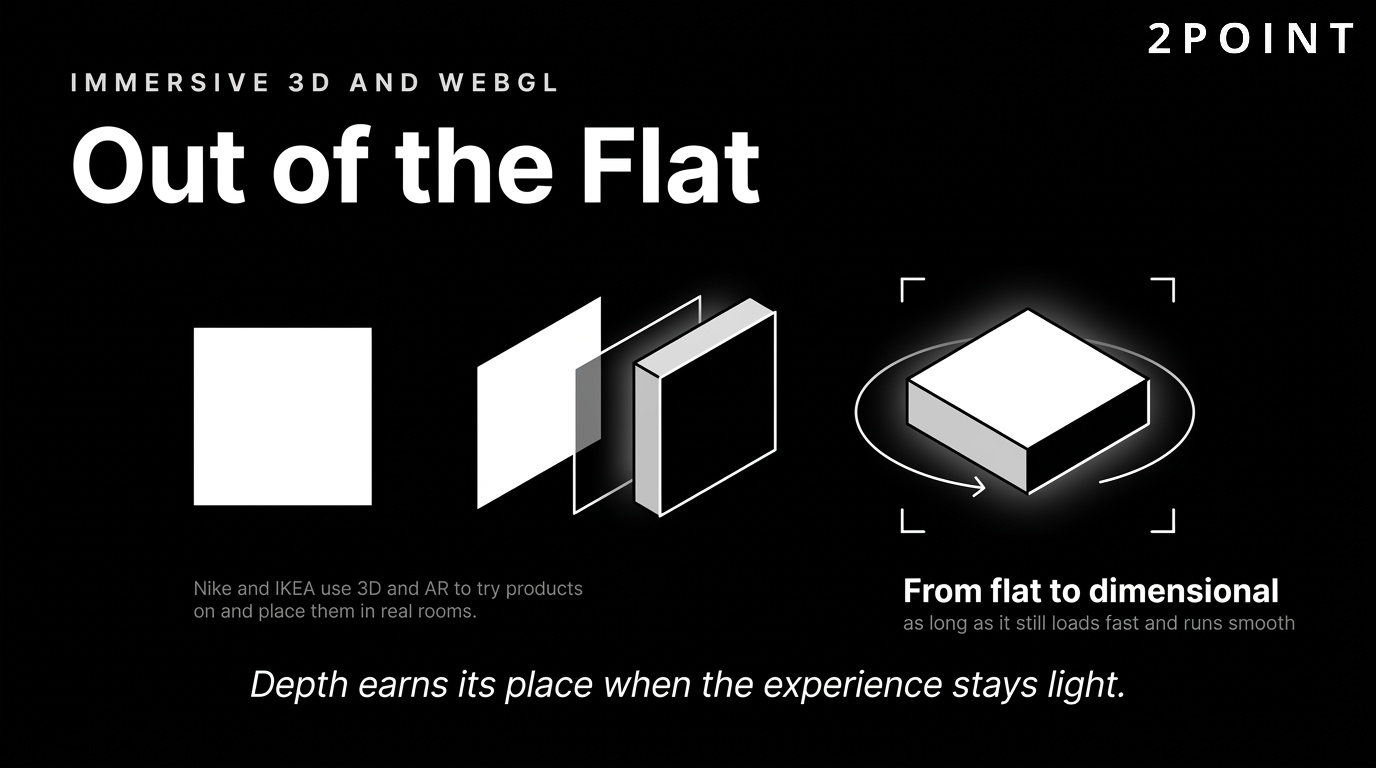
Three-dimensional animation on the web has moved from a novelty to a competitive differentiator. Designers are leaning into depth and interaction, moving beyond static images to immersive, 3D-driven experiences. Product pages now feature interactive 3D models that users can rotate, zoom, and examine from any angle. Brand storytelling pages use 3D environments to walk visitors through narratives that would be flat and forgettable as static illustrations.
The technical foundation for this trend is the maturation of WebGL and libraries like Three.js, which abstract away much of the complexity of GPU-driven rendering. Advances in WebGL and Three.js have made it feasible for mid-sized development teams to ship 3D animation without specialist graphics programming knowledge. Augmented reality preview integrations, where users can place a product in their physical environment through their device camera, are appearing on e-commerce platforms as a direct extension of this trend.
The use cases extend well beyond retail. Architecture firms use 3D web animation for virtual property walkthroughs. Automotive brands use interactive configurators that let buyers customize color, trim, and wheel choice in real time. SaaS companies use 3D explainer animations to communicate complex product architectures in ways that static diagrams simply cannot match. The key to making 3D work is pairing visual ambition with rigorous performance optimization so that the experience loads quickly and runs smoothly across devices.
Scroll-Triggered Storytelling and Parallax Effects
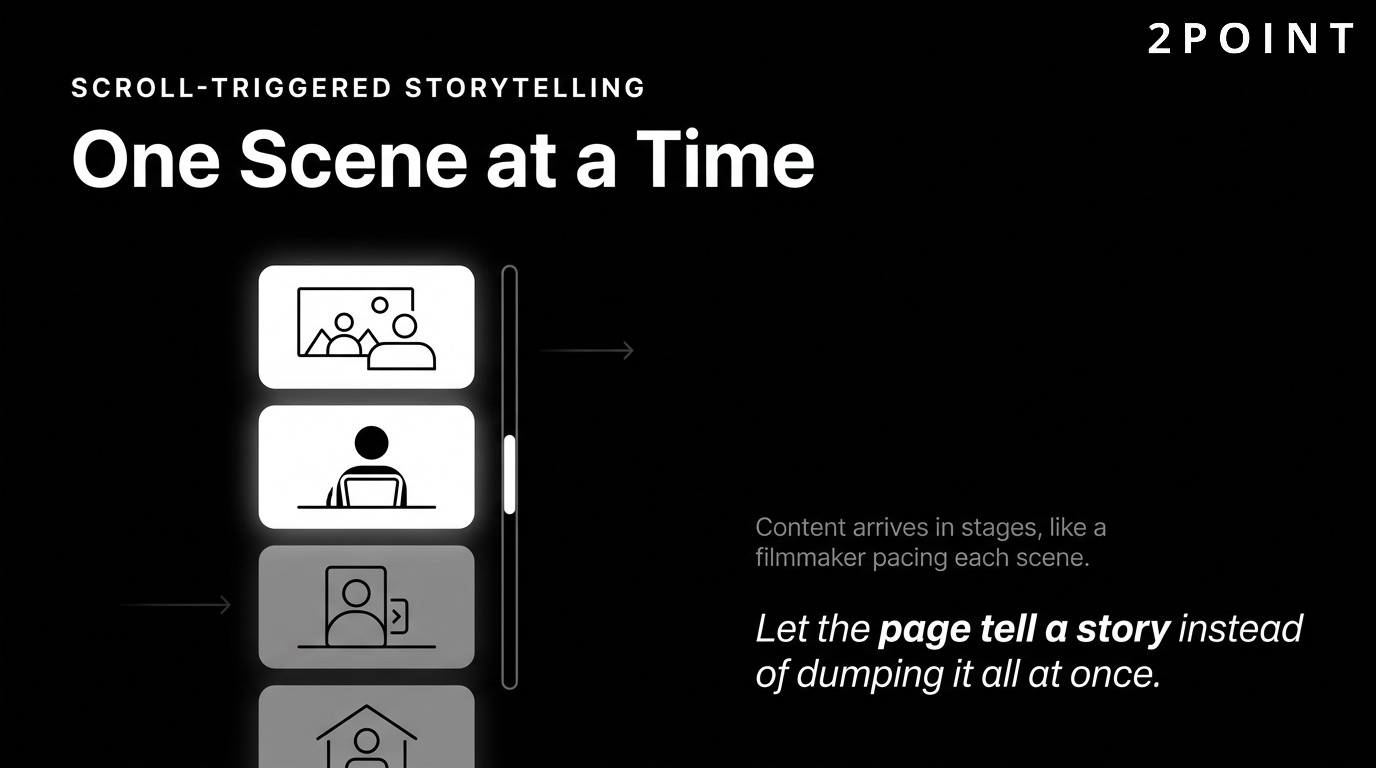
Scroll-triggered animation has been building momentum for several years, and in 2026 it is the dominant narrative device for long-form web experiences. Scroll-triggered animations continue to dominate, allowing websites to create narrative-driven experiences that unfold progressively as the user moves down the page. Rather than presenting information all at once, scroll-triggered sequences introduce content in choreographed stages, controlling the pacing of a story just as a filmmaker controls scene transitions.
Parallax layering, where foreground and background elements move at different speeds during scrolling, adds a sense of depth and physicality to flat screens. When applied tastefully, parallax creates the impression of moving through a space rather than scrolling past information. Scroll-based animations help brands deliver messages in a captivating, step-by-step manner, making complex value propositions easier to absorb without requiring users to read dense paragraphs of explanatory text.
The practical implementation of scroll-triggered animation has been simplified considerably by libraries like GSAP's ScrollTrigger plugin and Lenis for smooth scroll behavior. Designers using Webflow or Framer can build sophisticated scroll sequences without writing code. This accessibility has led to wider adoption across industries that previously lacked the technical resources to build these experiences. The risk, as with all powerful tools, is overuse: scroll animations that fight the user's natural reading pace or that delay access to information are a significant UX liability.
Motion Brand Identity and Living Guidelines
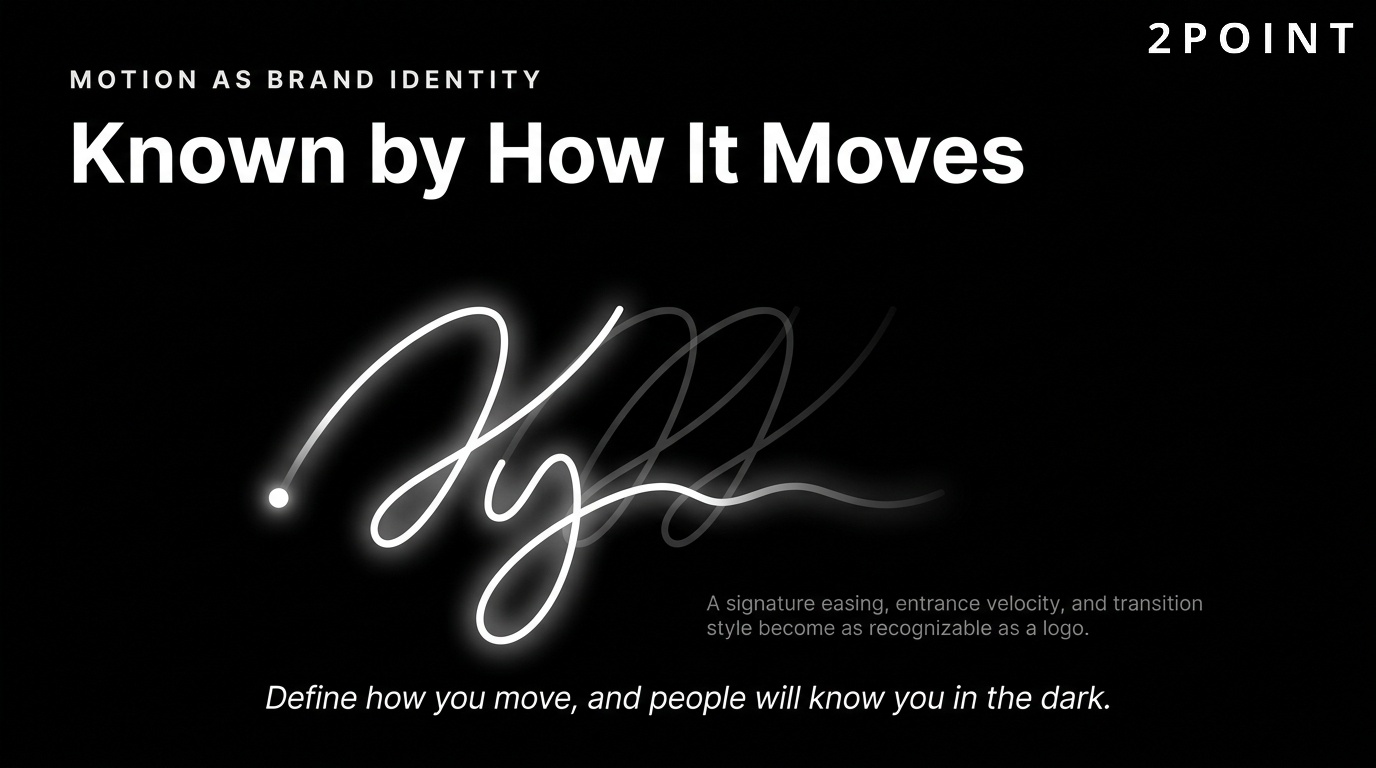
Brand identity has traditionally been defined by static assets: logos, color palettes, typefaces, and grid systems. In 2026, leading brands are extending their identity into motion, defining not just how they look but how they move. Motion visual identity gives brands a living, memorable presence across digital touchpoints, creating recognition through movement rather than through visual elements alone. A brand's characteristic animation curve, its preferred entrance velocity, and its signature transition style become as recognizable as its logo.
More design teams are now defining how their brand moves, not just how it looks, building motion guidelines into their design systems alongside color and type specifications. These guidelines document easing presets, duration ranges, animation principles, and approved motion patterns for common UI events. The result is a consistent motion language that scales across websites, apps, and digital marketing without requiring every individual designer to make animation decisions from scratch.
Kinetic typography and animated logos are prominent expressions of motion branding. A wordmark that assembles itself on page load, or a headline that morphs between phrases on a product landing page, communicates dynamism and modernity in ways that static type cannot. These techniques require careful restraint, applied at moments of high intent rather than on every page element, but when deployed with intention they leave lasting impressions on visitors. This is increasingly how teams approach engagement at the brand level.
AI-Enhanced Animation Workflows and Personalization
AI makes animation faster and more accessible in 2026, compressing workflows that previously required weeks of manual keyframing into hours of guided generation. Tools that automatically generate motion graphics from text descriptions, suggest easing curves based on animation intent, and produce multiple variations of an animation for A/B testing are moving from experimental to production-ready. For smaller teams without dedicated motion designers, AI-assisted animation is genuinely transformative.
Personalization is the other dimension AI brings to web animation. Rather than every user seeing the same entrance animations and transitions, adaptive systems can modify animation behavior based on user preferences, device capabilities, past interaction patterns, and engagement signals. A first-time visitor might receive a fuller, more guided animation experience, while a returning power user sees a stripped-back interface that prioritizes speed over theatrics. AI serves as a design assistant that can flag accessibility improvements in existing animations, identifying sequences that may cause difficulty for users with vestibular disorders or motion sensitivity.
The critical caveat with AI-enhanced animation is that efficiency does not substitute for strategic judgment. Generating animations faster only adds value when the animations being generated are purposeful. Teams that use AI tools to produce more animation without first clarifying what that animation is meant to accomplish will simply accumulate more noise faster. The differentiating factor in 2026 is not who has access to AI tools, nearly everyone does, but who uses those tools with a clear understanding of what good animation actually achieves for users.
Types of Website Animation and When to Use Each
Not all website animation serves the same purpose, and choosing the right type for the right context is as important as choosing whether to animate at all. The categories below cover the full range of animation applications, from the micro-scale feedback of a button hover to the macro-scale narrative of a full-page scroll experience. Understanding these categories helps teams make deliberate animation decisions rather than defaulting to whatever looks interesting in a prototype.
Micro-interactions and UI Feedback Animations
Micro-interactions are the smallest unit of purposeful animation on a website. They are the subtle movements that acknowledge user actions: a button that changes color and depresses slightly when clicked, a toggle that slides smoothly between states, a form field that highlights when focused. Hover animations are one of the most common forms of UI animation on the web, and for good reason. They provide immediate visual confirmation that an interactive element has responded to the user's input before any deeper action is taken.
Form validation micro-interactions are particularly valuable for improving user experience. A field that turns green with a subtle checkmark animation on valid input, or shakes briefly to signal an error, communicates far more efficiently than a static error message that users may not notice. Micro-interactions guide users through processes and gather feedback on interactions, making complex multi-step forms feel less overwhelming and reducing abandonment rates.
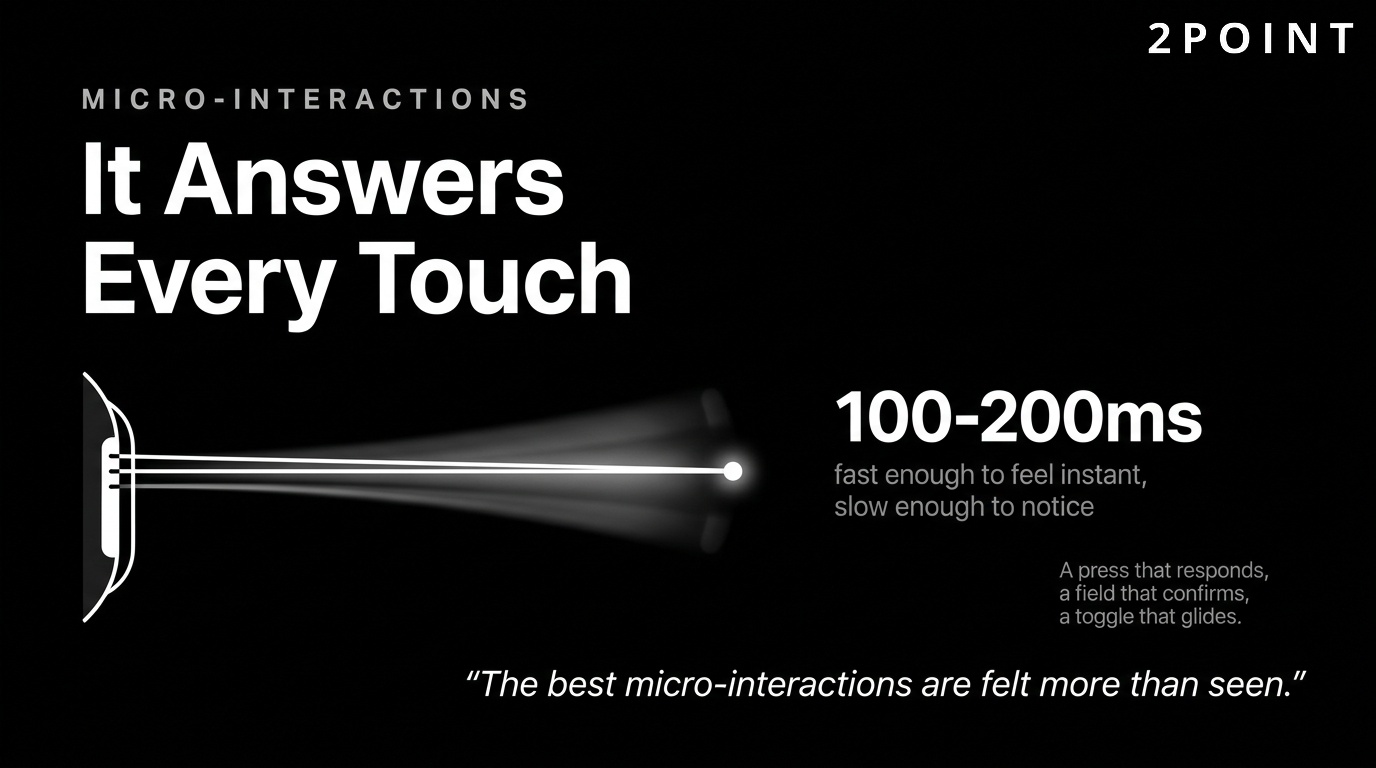
The best micro-interactions are almost imperceptible. Their goal is not to draw attention to themselves but to make the interface feel alive and responsive. Duration should typically fall in the 100ms to 200ms range, fast enough to feel immediate but long enough to be perceptible. Any longer and the interaction begins to feel sluggish. Any shorter and the motion disappears before the user's visual system registers it. This balance is the difference between an interface that feels polished and one that merely functions.
Loading States and Progress Indicators
Loading animations occupy a unique position in the animation taxonomy: they exist purely to manage perception during a period when nothing the user wants is happening. Done well, they reduce frustration, maintain engagement, and communicate that the system is working. Done poorly, they become a symbol of slowness rather than a mitigation of it. Loading spinners are essential for maintaining user engagement during data retrieval, but they represent only one option in a wider toolkit.
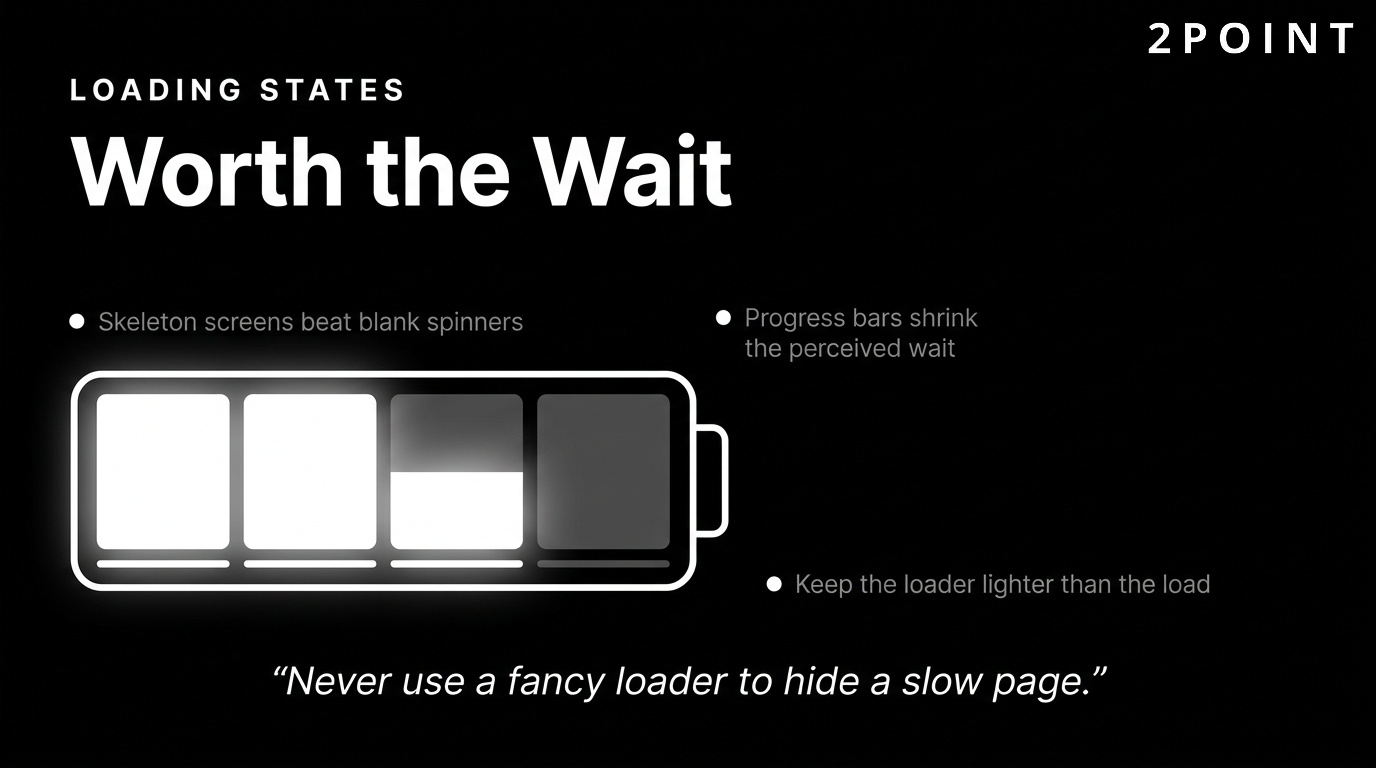
Skeleton screens, which display grey placeholder shapes matching the approximate layout of incoming content, are now widely preferred over spinners for content-heavy pages. They set accurate expectations about what the user is waiting for and create a smoother perceptual transition when real content replaces the placeholders. Progress bars add a further layer of communication by indicating not just that loading is occurring but how much of the process has been completed. This small addition significantly reduces perceived wait time in psychological studies of loading behavior.
The challenge with loading animation is avoiding the trap of using heavy animations as a mask for slow performance. An elaborate loading screen covering a slow-loading website is a poor substitute for actual optimization. Loading animations should be lightweight enough not to compound the performance problem they are intended to manage. Simple CSS-based animations, rather than JavaScript-heavy alternatives, are usually the right choice for loading states.
Page Transitions and Navigation Animations
Page transitions are the animations that occur when users navigate between sections, routes, or pages. In single-page applications, route transitions are an opportunity to create spatial context, helping users understand where they are in an information hierarchy by showing content sliding in from the appropriate direction or fading between states. Smooth transitions between pages create a cohesive browsing experience that reduces the jarring visual jumps that make interfaces feel disjointed.
Well-designed page transitions do more than eliminate visual flicker. They reinforce information architecture. A sidebar menu that slides in from the left when tapped communicates that it is a navigational layer sitting on top of the main content. A new page that slides upward to replace a list view communicates that the user has moved deeper into a hierarchy and can return by sliding back down. These directional cues are a form of spatial communication that reduces the cognitive overhead of navigating complex applications.
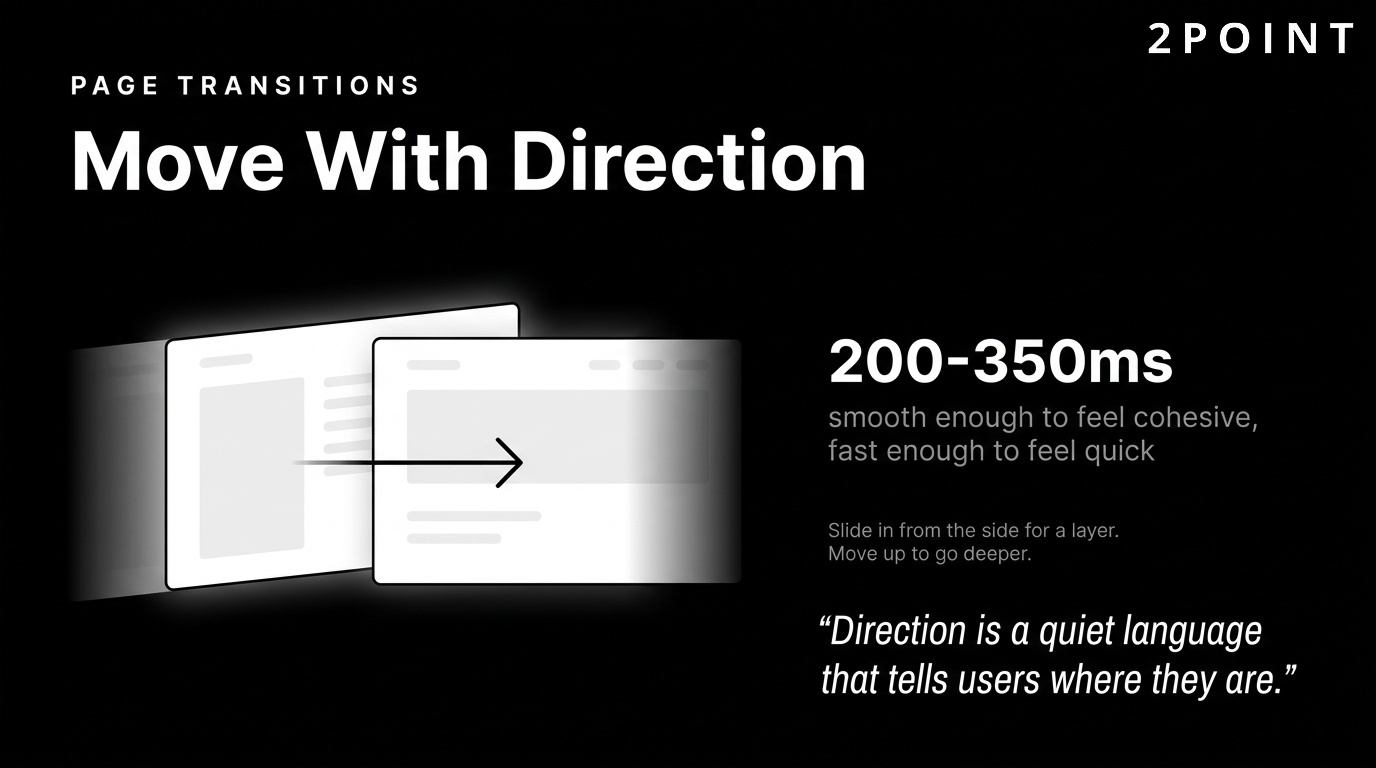
The risk with page transitions is adding latency to navigation. If a transition runs for 400ms and users navigate frequently, that delay accumulates into a perception of slowness. The best page transitions feel nearly instantaneous, using motion to soften the state change rather than to dramatize it. For most navigation contexts, transitions in the 200ms to 350ms range strike the right balance between smoothness and speed, contributing to a genuinely seamless experience.
Data Visualization and Animated Infographics
Animated infographics are one of the strongest animation trends in 2026, driven by a broader cultural shift toward visual communication of complex information. Static charts communicate data, but animated charts communicate data narratives. A bar chart that builds from zero when scrolled into view draws the eye naturally, creates emphasis, and makes the final values feel earned rather than arbitrary. Animated data visualizations hold attention longer and are retained better than their static counterparts.
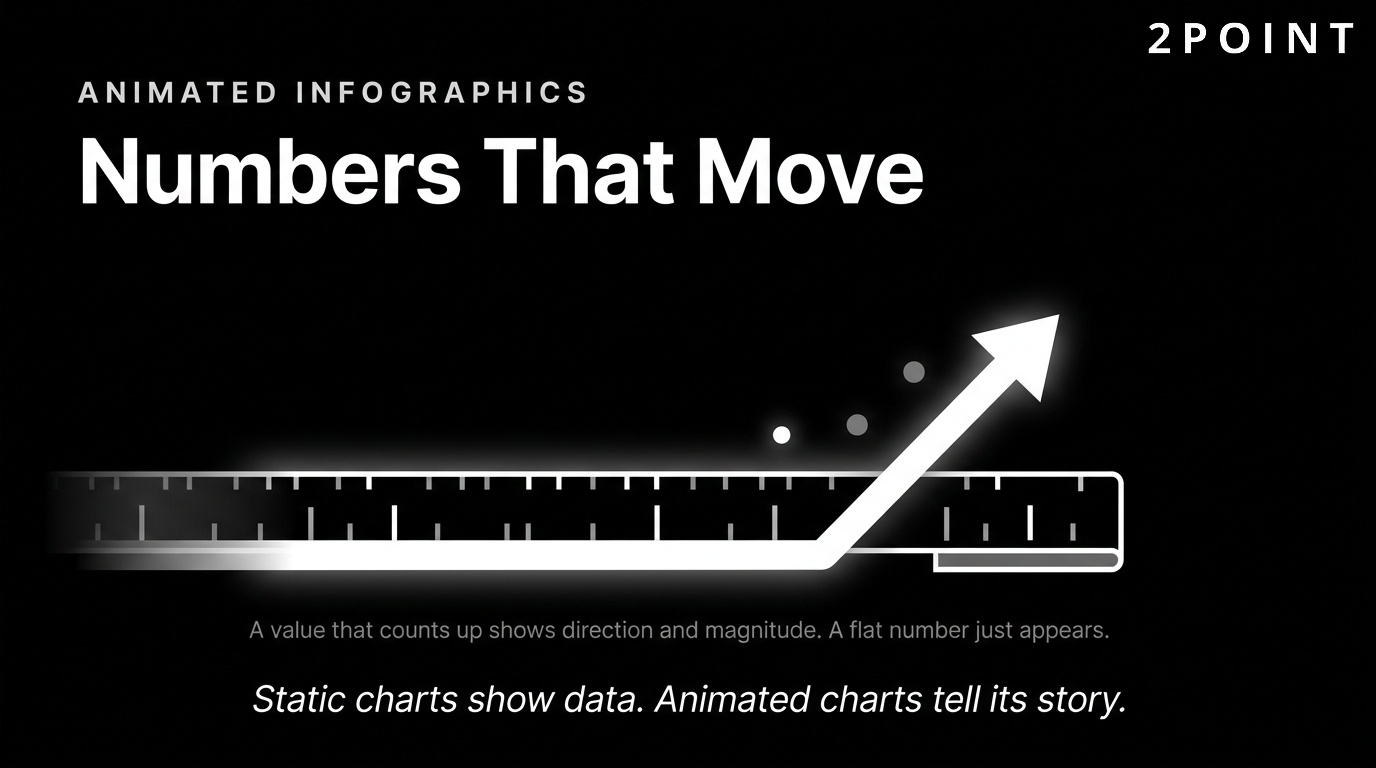
Real-time information visualization is gaining traction across industries, from financial dashboards that update live stock prices with smooth counter animations to health dashboards that display wearable data in engaging motion graphics. The animation in these contexts is not decorative. It is communicating change over time, which is exactly what animation does best. A number that smoothly counts from a previous value to a new one is far more informative than a value that simply flips without transition, because the motion itself communicates direction and magnitude.
Educational and marketing applications of animated infographics are equally compelling. Explainer animations that walk users through a product's mechanism of action, step-by-step process diagrams that sequence their steps on scroll, and comparison visualizations that animate the gap between two values all convert complex information into digestible, shareable content. These formats perform exceptionally well on social media as embedded content and as standalone assets, extending the reach of a website's animation investment beyond the site itself.
Website Animation Best Practices for Performance, UX, and Accessibility
Having access to powerful animation tools and being aware of current trends is only part of what is required to build animated websites that actually succeed. The principles governing how and when to animate are just as important as the technology choices. The best practices in this section apply regardless of whether you are building in CSS, JavaScript, or a no-code platform. They reflect a deep understanding of human perception, browser rendering behavior, and the ethical responsibilities that come with controlling attention on screen.
The Golden Rules: Purpose, Timing, and Restraint
Before you start animating, you need a clear idea of what you want to achieve. Every animation should be justifiable in terms of the user benefit it provides. If you cannot articulate why a specific element needs to move, that element probably should not move. Purposeless animation is not harmless. It consumes rendering resources, competes with meaningful content for user attention, and trains users to ignore motion cues that would otherwise be informative.
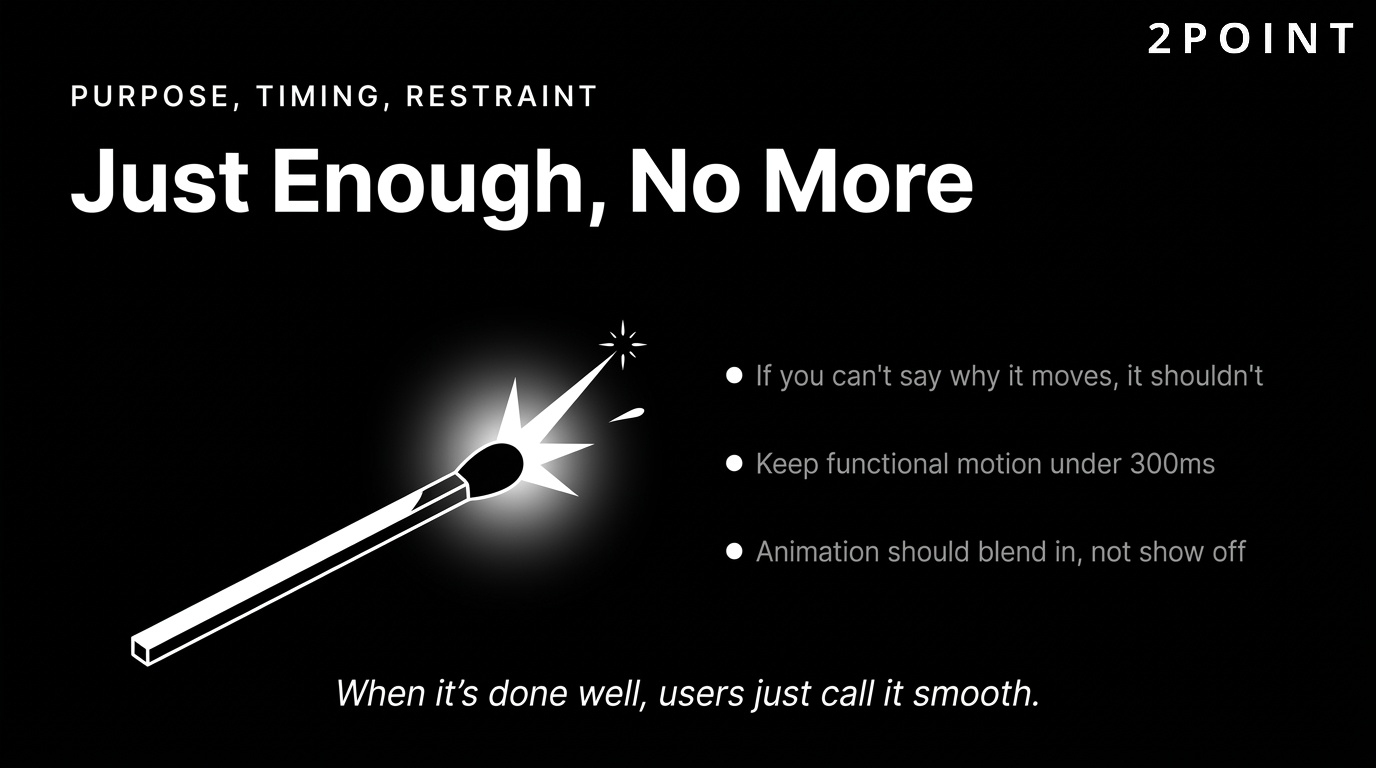
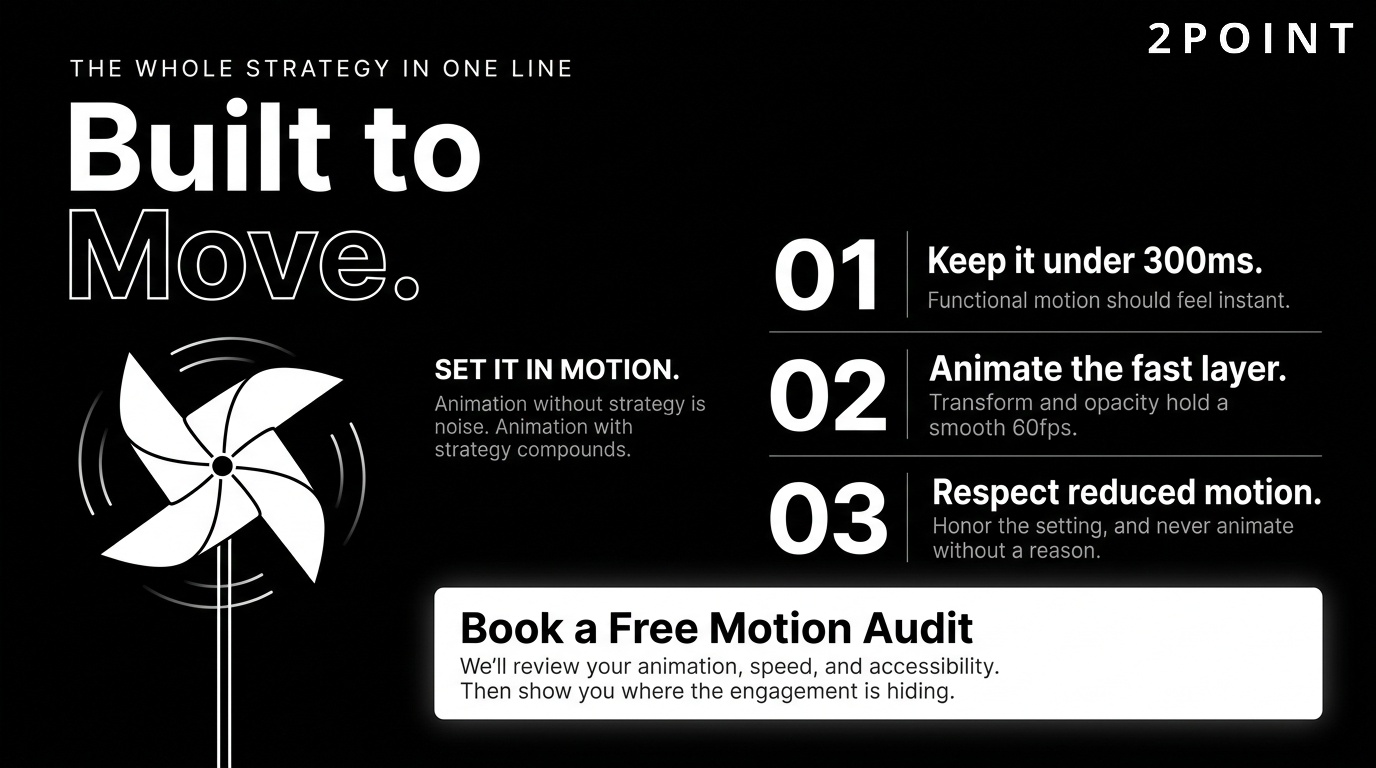
Timing is the most frequently mishandled aspect of web animation among non-specialists. Keep animations under 300ms for optimal perceived performance. This guideline applies to UI feedback animations, hover states, and transitions. Longer durations are appropriate for ambient animations, scroll-driven narratives, and decorative motion that users are not waiting for, but any animation that sits between a user's action and their desired outcome should complete as quickly as perceptibly possible. Users are not watching your animation. They are waiting for their goal.
Make sure animations blend naturally into the design. This is the principle of restraint. Animation that draws attention to itself has failed, unless drawing attention to itself is explicitly its purpose. Entrance animations should not shout. Hover states should not startle. Loading indicators should not entertain at the expense of communicating progress. When animation is done well, users will not describe the site as "animated." They will describe it as "smooth," "polished," or "easy to use." That invisibility is the goal. It is also what builds better customer engagement over time.
Easing Functions and Natural Motion
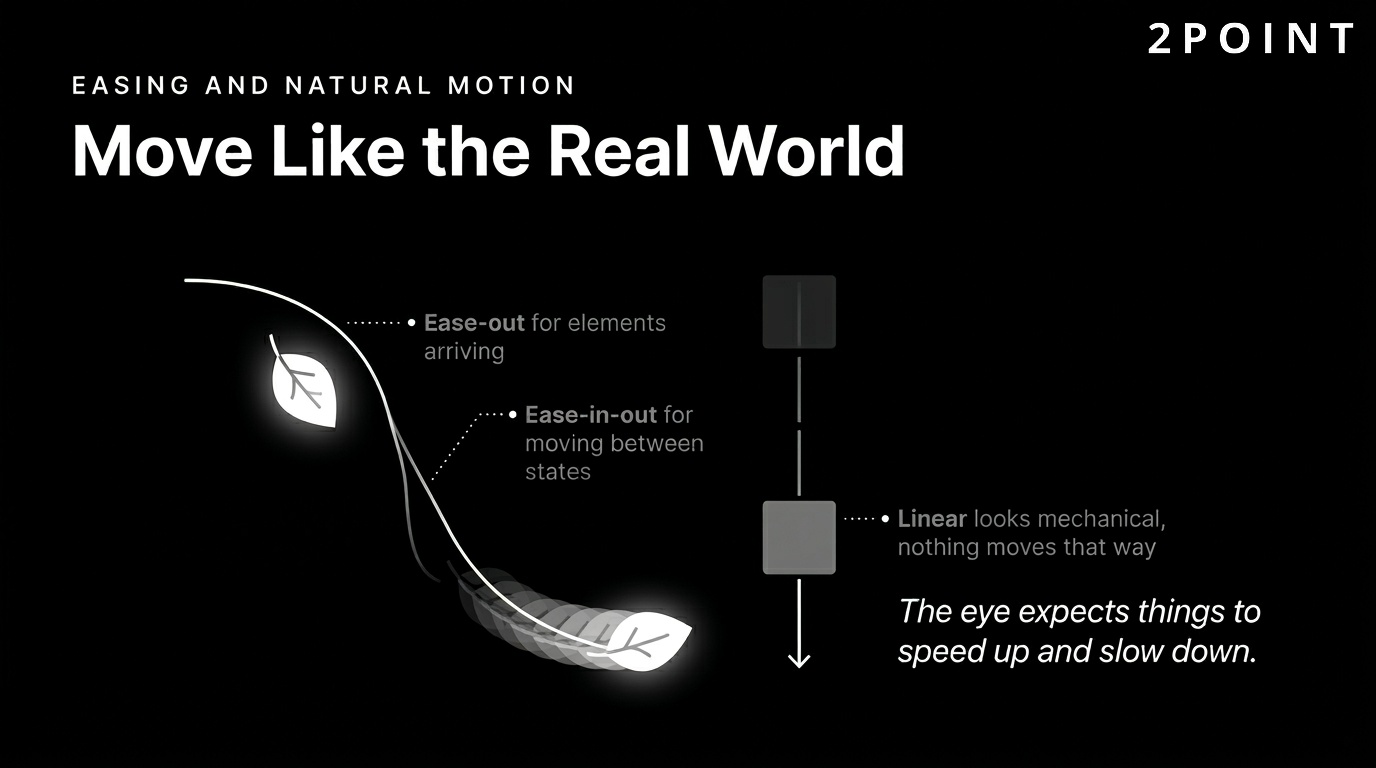
How an animation moves through time is as important as what it animates. Easing functions define the velocity curve of an animation, determining whether it starts slowly and accelerates, starts quickly and decelerates, or moves at a constant rate. Linear easing, where velocity is constant throughout, almost always looks mechanical and unnatural because nothing in the physical world moves that way. Human perception is tuned to expect acceleration and deceleration, and linear animation violates that expectation.
The most commonly useful easing functions for UI animation are ease-out and ease-in-out. Ease-out starts fast and slows at the end, making it perfect for elements entering the screen, because it mimics the behavior of an object moving toward a resting position. Ease-in-out is appropriate for elements moving from one stable position to another, as it creates a natural arc that neither rushes nor lingers. Ease-in, which starts slowly and accelerates, is rarely appropriate for entering elements but works well for elements that are leaving the screen or being dismissed.
Custom cubic bezier curves allow designers to define precise easing profiles that match a brand's motion personality. A brand that wants to communicate energy and momentum might use an aggressive ease-out with significant overshoot. A brand that wants to communicate precision and reliability might prefer a crisp, minimal ease-in-out. These choices compound across every animation on a site, and their consistency or inconsistency is felt by users even when it cannot be articulated. Easing consistency is one of the clearest signals of professional-grade animation implementation and directly contributes to an improved design experience overall.
Accessibility: Respecting User Preferences and Needs
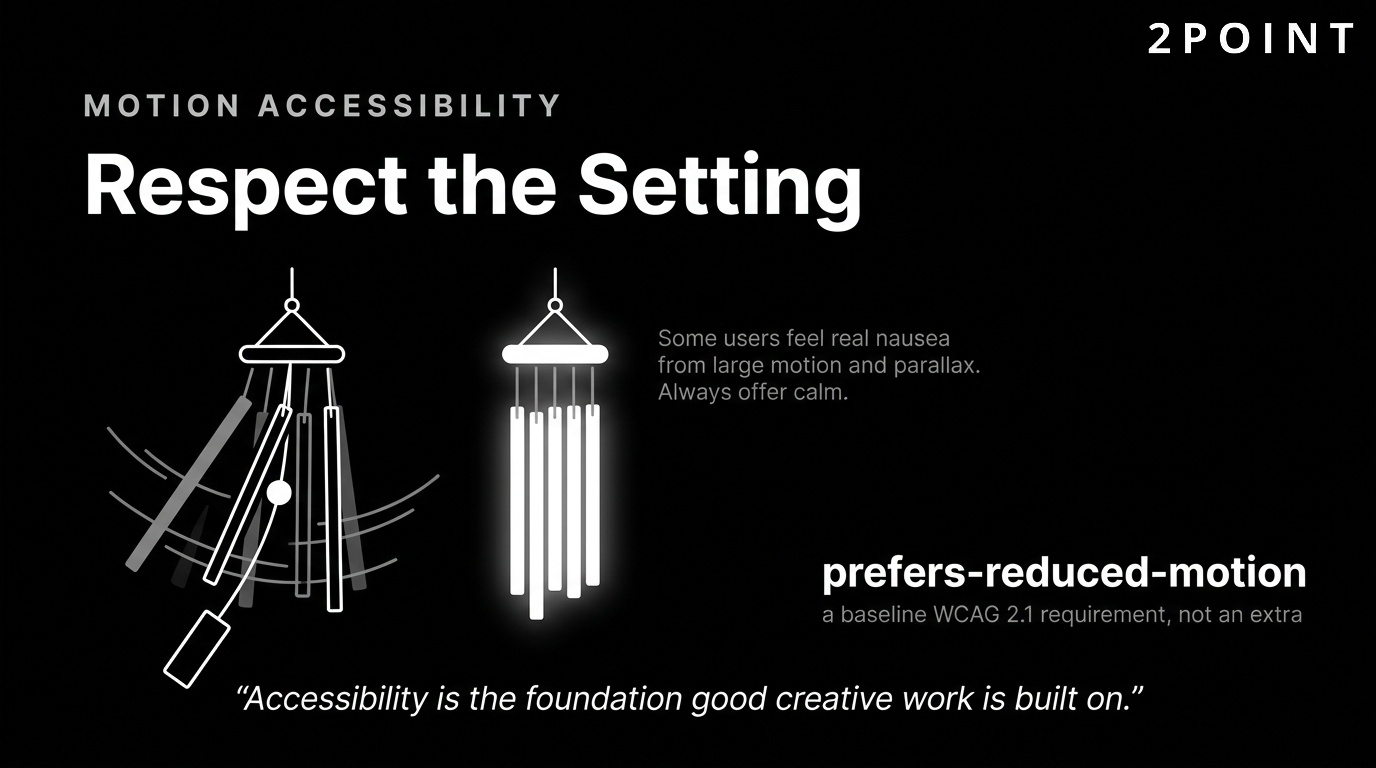
Accessibility in web animation is not optional, and it is not a edge case. Some users experience motion sickness or vestibular disorders from animations, a reality that affects a meaningful percentage of any site's audience. Vestibular disorders, which affect the inner ear's ability to process spatial orientation, can make large-scale animation or parallax effects physically nauseating. For these users, a beautifully animated website is not a positive experience. It is a health hazard that drives them away.
The technical solution is straightforward and mandatory: always respect the prefers-reduced-motion media query. This CSS media feature detects whether a user has enabled a reduced-motion setting in their operating system and allows developers to serve a stripped-back version of animations to those users. Implementing this query is a matter of a few lines of CSS and a corresponding JavaScript check for more complex animations. It should be treated as a baseline requirement rather than an advanced enhancement, especially for sites building toward a truly user-friendly experience.
Beyond motion sickness, animation accessibility includes ensuring that animated content does not convey information available only through motion. If a status indicator communicates through color change and animation together, users who cannot see the animation (due to assistive technology settings or prefers-reduced-motion) should still receive the color change. Animated text that is not also available as static text creates exclusion for screen reader users. These considerations are part of WCAG 2.1 compliance, and failing them creates legal exposure in addition to excluding users. Accessibility is not a constraint on creativity. It is a foundation that good creative work is built on.
Interruptibility and User Control
One of the most overlooked principles of animation design is interruptibility. All animations must be smoothly interruptible mid-sequence. This means that if a user clicks, scrolls, or navigates away during an animation, the interface must respond immediately without janking, freezing, or completing the animation before acknowledging the user's input. Animations that resist interruption feel unresponsive and authoritarian, creating the frustrating impression that the interface is ignoring the user in favor of playing out its choreography.
Users should never feel locked into waiting for an animation to complete. This principle extends to loading animations, page transitions, and entrance sequences. If a user clicks a navigation link during a page transition, the new page should begin loading immediately. If a user scrolls rapidly through a scroll-triggered sequence, the animation should jump to the appropriate state rather than catching up laboriously. Designing for interruptibility requires thinking about animation not as a linear script but as a responsive system that tracks user intent and adapts in real time.
Providing explicit user control over ambient or decorative animations is best practice for both accessibility and respect for user autonomy. Autoplay videos and looping background animations that offer no pause option are increasingly perceived as hostile design patterns. Providing a pause button, a reduced-motion toggle, or simply ensuring that decorative animations do not loop indefinitely gives users the agency to customize their experience. User control and functionality improvements like these also align with emerging digital accessibility standards in multiple jurisdictions.
Optimizing Animation Performance Through Technical Implementation
The most beautifully designed animation is a liability if it degrades performance. Slow, janky, or resource-intensive animations destroy the very impressions they are meant to create. Understanding the technical mechanics of browser rendering empowers developers to make animation choices that are visually compelling without being computationally expensive. The concepts in this section are not just for advanced developers. Any developer who uses animation should understand the basics of the browser rendering pipeline.
The Compositor Thread: Transform and Opacity Only
Browser rendering involves multiple stages: JavaScript execution, style calculation, layout, paint, and compositing. Animations that trigger the layout or paint stages force the browser to recalculate positions and redraw pixels, which is expensive and often produces jank on lower-powered devices. The compositor stage, where final layer compositing happens, can run on a separate thread from the main JavaScript thread, meaning it can continue smoothly even when the main thread is busy. Transform and opacity are the only properties that can be animated on the compositor thread.
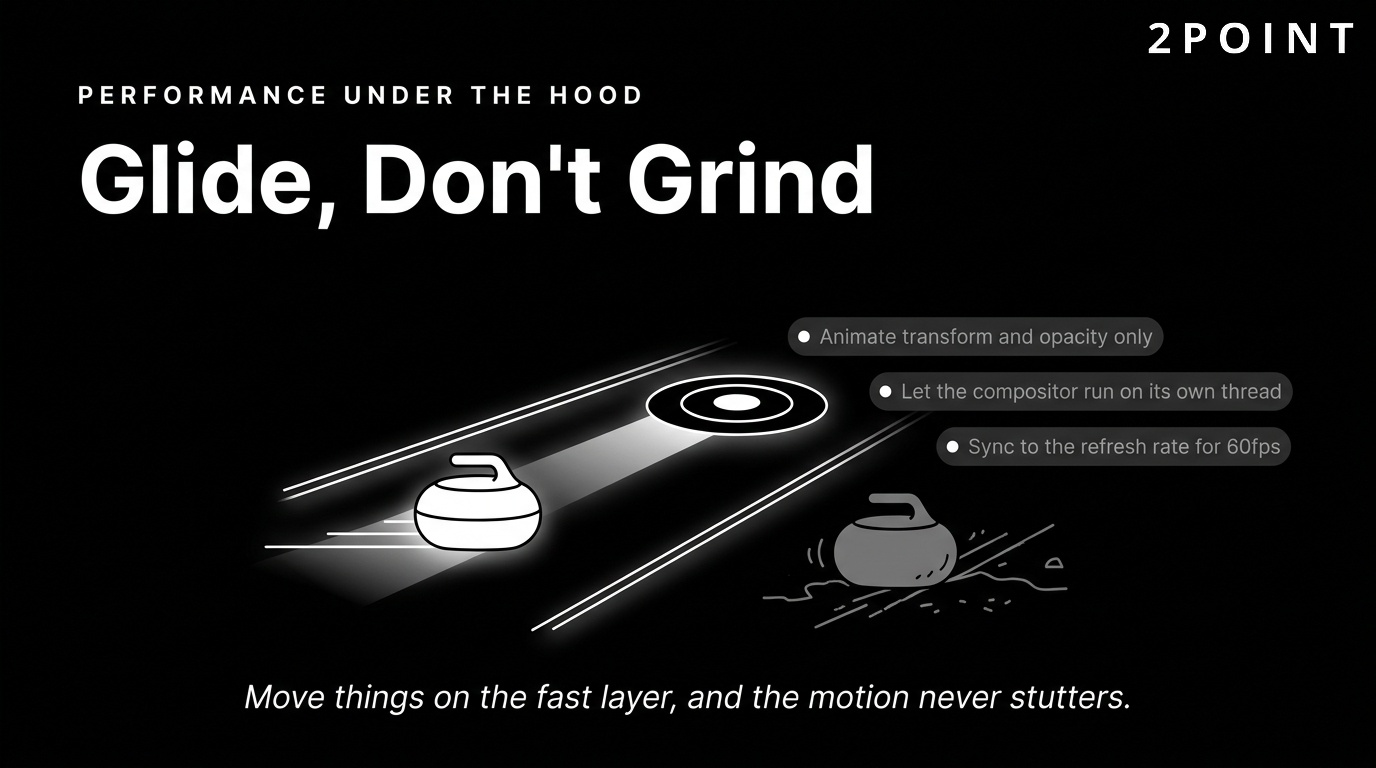
This means that animating transform: translateX() instead of left, or transform: scaleX() instead of width, produces dramatically better performance because the browser can offload the animation to the compositor without involving layout recalculation. Use transform: translate() instead of animating left or top is one of the most impactful performance rules in animation development. Animating properties like width, height, margin, padding, or background-color forces layout recalculations that compound across the page and can reduce frame rates below the 60fps threshold where animation feels smooth.
Layout thrashing, a related problem, occurs when JavaScript reads and writes layout properties in rapid alternation, forcing the browser to recalculate layout repeatedly within a single frame. Animation code that reads element dimensions, modifies a style, reads dimensions again, and modifies another style in a loop will trigger layout thrashing and produce severe performance degradation. Batching reads and writes separately, or using the Web Animations API to describe animations declaratively, avoids this pattern entirely.
Hardware Acceleration and GPU Rendering
Modern browsers can offload certain rendering operations to the GPU, which is far more efficient at handling the matrix mathematics underlying visual transformations than the CPU. Use transform and opacity properties to animate elements, as they can be handled by the GPU, which provides smoother, more consistent frame rates, particularly on mobile devices where CPU resources are more constrained.
The CSS property will-change hints to the browser that an element is about to be animated, allowing it to promote the element to its own compositor layer in advance. This can eliminate the brief jank that occurs when a non-promoted element suddenly begins animating. However, will-change must be used sparingly. Promoting too many elements creates excessive memory usage, as each compositor layer requires its own texture in GPU memory. Apply will-change: transform only to elements that are actively being animated, and remove it once the animation is complete when working programmatically.
A common pitfall is using CSS properties that force layer creation as a blanket performance fix. Applying transform: translateZ(0) or backface-visibility: hidden to every animated element creates compositor layers even when they are not needed, inflating memory usage without providing meaningful performance benefit. Strategic, targeted use of these properties, applied only where GPU promotion is genuinely beneficial, produces better overall results than a global hack applied indiscriminately.
RequestAnimationFrame and Browser Sync
JavaScript-based animation built with setInterval or setTimeout runs on an arbitrary timer that does not synchronize with the browser's rendering cycle. This means animations may update between frames, wasting computational work on changes the user never sees, or may skip frames entirely if the timer fires at the wrong moment. Use the requestAnimationFrame() method to synchronize animations with the browser's refresh rate and reduce CPU usage.
requestAnimationFrame schedules a callback to execute immediately before the browser's next repaint, ensuring that every animation update corresponds to a frame the user will see. This synchronization eliminates wasted computation, reduces CPU usage, and produces animations that run as smoothly as the display hardware allows. Most modern JavaScript animation libraries, including GSAP and Anime.js, use requestAnimationFrame internally, so developers using these libraries benefit from this optimization automatically.
An additional benefit of requestAnimationFrame is that browsers automatically throttle it when the tab is in the background, pausing animation loops for inactive tabs. This conserves battery life on mobile devices and CPU resources on desktops, making applications more respectful of system resources without requiring any additional code. For applications where background animation state matters, such as multiplayer games or real-time dashboards, additional logic is required, but for typical web animation use cases, this automatic throttling is a pure benefit.
Load Time and Initial Render Considerations
Clunky or poorly optimized site animations can contribute to longer load times, which undermines both user experience and SEO performance. The weight of animation assets, including JavaScript libraries, WebGL shaders, and Lottie JSON files, must be factored into the overall performance budget of a page. A Three.js bundle that has not been tree-shaken can add hundreds of kilobytes to a page's JavaScript payload, delaying the first interactive moment for users on slower connections.
Lazy loading animations below the fold ensures that the critical rendering path remains clear for above-the-fold content. There is no need to initialize a complex scroll-driven animation sequence until the user is close to the relevant section. Intersection Observer provides a native browser API for detecting when elements approach the viewport, allowing animation libraries to be initialized on demand rather than on page load. This pattern can dramatically improve Time to Interactive metrics without sacrificing any of the visual richness delivered as users scroll.
Balancing visual richness with page speed requires making deliberate trade-offs. Teams should establish a performance budget that specifies maximum JavaScript payload, maximum animation frame times, and acceptable Largest Contentful Paint scores, then evaluate animation implementations against those budgets. This connects animation decisions directly to business metrics, since page speed directly affects conversion rates and search ranking. Managing performance as a first-class concern alongside visual design is one of the most important habits a web animation practitioner can develop.
CSS vs JavaScript Animation: Choosing the Right Tool for the Job
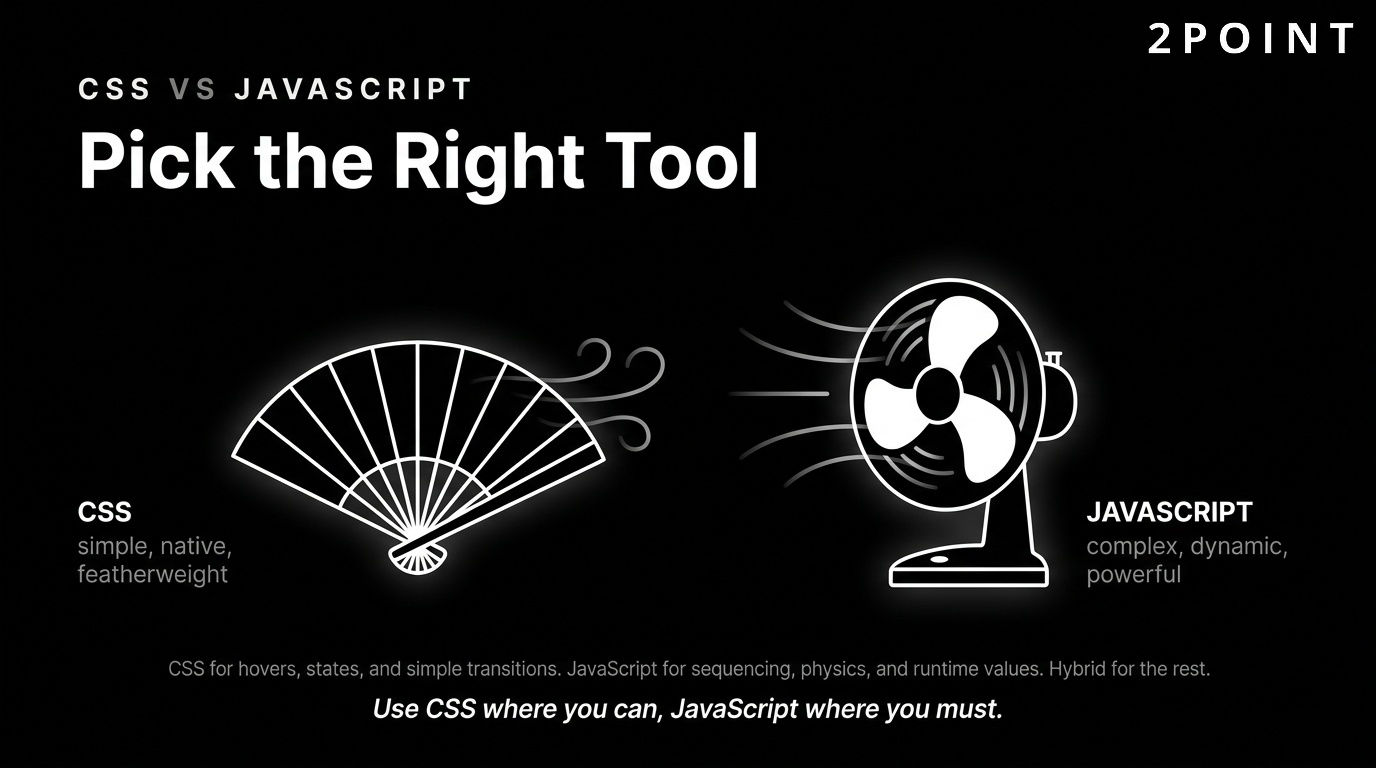
One of the most common questions teams face when implementing website animation is whether to use CSS or JavaScript. The answer is not one or the other. Both approaches have distinct strengths, and understanding those strengths leads to better technical choices and more maintainable codebases. The decision framework below helps teams choose the right tool based on the specific requirements of each animation use case.
When CSS Transitions and Keyframes Are Enough
CSS animation is the right choice for the majority of straightforward animation tasks. State changes triggered by user interaction, hover effects, focus states, toggle animations, and simple entrance effects are all well within CSS's native capabilities. CSS transitions fit impeccably into current style sheets, permitting developers to avoid bloating pages with additional JavaScript dependencies. When an animation can be expressed as a transition between two CSS states or as a keyframe sequence, CSS is almost always the better choice.
The performance benefits of CSS animation are significant. Browser-native CSS transitions and keyframe animations run on the compositor thread for transform and opacity properties without any additional developer effort. There is no JavaScript execution overhead, no library initialization time, and no risk of timing issues between animation frames and JavaScript event handlers. The declarative nature of CSS animation also makes it easier to read, maintain, and override through specificity, contributing to healthier codebases on larger projects.
CSS animation does have real limitations. It cannot access runtime values like element dimensions, scroll positions, or user input data. It cannot be sequenced with precision relative to other animations unless those timings are hardcoded. It does not support spring physics, gesture-based motion, or SVG morphing natively. For animations that stay within CSS's capabilities, it is the cleanest, most performant choice available. For everything else, JavaScript libraries are necessary.
When JavaScript Animation Libraries Are Required
Use JavaScript when you need dynamic values, complex sequencing, or precise control. If an animation depends on values that only exist at runtime, such as the position of a dragged element, the current scroll percentage, or a value fetched from an API, CSS cannot express it. JavaScript animation libraries have access to the full browser environment, allowing them to respond to any observable state and animate accordingly.
JavaScript libraries provide features CSS cannot match, including timeline sequencing, spring physics, and gesture integration. GSAP's timeline API allows developers to chain animations in precisely ordered sequences, stagger entrances across groups of elements, and reverse entire sequences at will. Spring physics engines produce motion that responds to velocity rather than fixed durations, creating natural-feeling animations that CSS's cubic bezier system cannot replicate. Gesture integration allows animation state to follow touch input directly, creating the draggable, flippable, and swipeable interactions that define native app quality on the web.
The main trade-off with JavaScript animation is payload and initialization overhead. Bundling a full-featured animation library adds to the page's JavaScript weight and introduces another async dependency in the loading sequence. This cost is almost always worth paying for complex interactive experiences, but it should not be paid for simple animations that CSS handles elegantly. Making this determination animation by animation, rather than choosing a single global approach, produces the best balance of capability and performance.
The Hybrid Approach: Combining CSS and JavaScript
For many projects, a combination of CSS and JavaScript works best. CSS handles the bulk of UI feedback animations, hover states, and transitions. JavaScript handles complex interactive sequences, scroll-driven animations, and any motion that depends on runtime state. This hybrid approach plays to the strengths of each technology while avoiding their respective weaknesses.
A practical example: a product page might use CSS transitions for all button hover states, loading spinners, and form validation effects, while using GSAP for the scroll-triggered product feature reveal sequence and Three.js for the interactive 3D product model. Each tool is handling the exact category of animation it is best suited for. This division is not just a performance optimization. It also makes the codebase easier to reason about, because the complexity of each part is proportional to the complexity of what it does.
The hybrid approach also makes progressive enhancement more achievable. CSS animations degrade gracefully when JavaScript fails to load or is blocked, ensuring that basic UI feedback remains functional even in failure scenarios. Complex JavaScript animations fail silently as non-animated equivalents when the library does not initialize, providing a reasonable fallback experience without custom error handling. This resilience is an important consideration for any animation strategy aimed at the broadest possible audience.
How JavaScript Animation Works Under the Hood
JavaScript animation creates dynamic webpage content by having a script change the style or position of webpage elements repeatedly over time. At its most fundamental level, a JavaScript animation is a loop: each iteration of the loop applies a tiny increment of change to an element's style properties, and the accumulation of those increments over many frames produces the perception of smooth motion. The speed and visual quality of this motion depends entirely on how quickly and how accurately those increments are calculated and applied.
The render loop, when built on requestAnimationFrame, synchronizes these incremental updates with the browser's painting cycle. The callback receives a high-resolution timestamp that allows animation code to calculate exactly how far through a given duration the animation has progressed, regardless of how much time has elapsed since the previous frame. This time-based calculation ensures that animations play at the intended rate on all devices, whether they are running at 60fps, 90fps, or 120fps displays.
Modern JavaScript animation libraries abstract away this render loop complexity, allowing developers to express animations as goals rather than as per-frame calculations. Telling GSAP to animate an element's X position from 0 to 200 over 0.5 seconds with an ease-out curve produces the correct render loop automatically, handling time calculations, easing mathematics, and compositor layer management without developer intervention. Understanding the underlying mechanism helps developers debug performance issues and make better decisions when the abstractions provided by libraries are not sufficient for specialized use cases.
Top Website Animation Libraries and Tools: The 2026 Guide
The ecosystem of animation libraries available to web developers in 2026 is richer than at any point in the history of the web. Choosing the right library is a consequential decision that affects development speed, runtime performance, maintenance burden, and the ceiling of what is visually achievable. The following guide covers the most important libraries across CSS-based tools, JavaScript powerhouses, specialized tools, and niche utilities, providing enough context to make informed choices for any type of project.
CSS Animation Libraries: Animate.css and AnimXYZ
Animate.css is one of the most popular CSS animation libraries, having over 76,000 stars on GitHub. It provides a plug-and-play collection of ready-to-use CSS animation classes covering entrances, exits, attention seekers, bounces, fades, flips, and rotations. Animate.css provides more than 50 different animation effects, all cross-browser compatible and requiring nothing more than a class addition to trigger. For projects that need standard UI animations quickly without custom development, Animate.css eliminates the need to write animation code from scratch.
AnimXYZ is a highly customizable and composable CSS animation framework that takes a fundamentally different approach to animation libraries. Rather than providing a fixed set of named effects, AnimXYZ provides a system of composable CSS variables that can be combined to create virtually any entrance or exit animation through attribute-based configuration. The result is extremely flexible animation definitions that do not require writing custom keyframe rules. AnimXYZ also has first-class integrations with React and Vue, making it particularly useful for component-based frontend architectures.
| CSS Animation Library | Animation Approach | GitHub Stars | Best For |
|---|---|---|---|
| Animate.css | Pre-built named effects via class names | 76,000+ | Rapid implementation, standard UI animations |
| AnimXYZ | Composable CSS variable system | Growing | Custom animations in React/Vue projects |
Animate.css is the fastest path to standard animation effects; AnimXYZ offers superior customizability for component-driven projects.
JavaScript Powerhouses: GSAP and Anime.js
GSAP (GreenSock Animation Platform) is the industry standard for professional, complex web animation. Its timeline API provides unmatched control over animation sequencing, allowing developers to build choreographed motion systems of any complexity with precise timing control. GSAP handles CSS properties, SVG attributes, canvas transforms, and custom JavaScript object values with equal elegance, making it suitable for virtually any animation task on the web. Its performance is exceptional, consistently benchmarking faster than competing libraries and native Web Animations API implementations for complex scenarios. GreenSock and Anime.js are very hard to split for sophisticated animation applications.
Anime.js is a lightweight JavaScript animation library with a simple, yet powerful API that targets CSS properties, SVG, DOM attributes, and JavaScript objects. It offers a clean, readable syntax that makes complex animations approachable for developers who are not animation specialists. Anime.js is considerably smaller than GSAP, making it a strong choice for projects where bundle size is a concern and the animation requirements do not include the advanced timeline coordination that GSAP excels at. For many mid-complexity projects, Anime.js provides the right balance of capability and footprint.
| JavaScript Animation Library | Bundle Size | Timeline Control | Best Use Case |
|---|---|---|---|
| GSAP | Large (modular) | Advanced timeline API | Complex sequences, professional productions |
| Anime.js | Lightweight | Basic timeline support | Mid-complexity animations, bundle-conscious projects |
GSAP is the right choice when animation complexity demands precise orchestration; Anime.js is preferable when bundle size and code simplicity are the primary constraints.
Specialized Tools: Lottie, Three.js, and Mo.js
Lottie.js is ideal for vector-based animations at any scale. It renders animations exported from Adobe After Effects as JSON files, allowing motion designers to create sophisticated, production-quality animation in their preferred tool and deliver it to the web without any fidelity loss. Lottie animations are resolution-independent, lightweight compared to equivalent video files, and fully interactive, able to be played, paused, reversed, and scrubbed programmatically. For logos, icons, loading sequences, and illustrative animations, Lottie is often the most efficient pipeline available.
Three.js enables intricate 3D animations and visualizations with full support for lighting, texturing, shading, and particle systems. It abstracts WebGL's low-level complexity into a JavaScript-friendly API while still exposing the full power of GPU-accelerated 3D rendering. Three.js is the foundation for most of the immersive 3D web experiences described in the trends section of this guide. Its learning curve is steeper than CSS or 2D JavaScript libraries, but its ceiling for visual complexity is essentially unlimited within the constraints of the user's device capabilities.
Mo.js is an open-source JavaScript animation library with a modular architecture specializing in motion graphics and burst effects. Its particle burst system produces the kind of celebratory explosion animations, confetti, like effects, and impact starburst patterns that feel native to app interfaces. Mo.js is particularly useful for reward animations and gamification elements, where the goal is to produce a visually satisfying response to user achievement. Its modular design means teams only import the components they need, keeping bundle size in check.
Niche Libraries Worth Knowing: Velocity.js, Dynamics.js, and Micron
Velocity.js is an incredibly fast animation engine with features including color animation, transforms, loops, and SVG support. It was designed as a drop-in replacement for jQuery's animation methods, offering significantly better performance than jQuery's native animation while maintaining a familiar API. For projects that already use jQuery or for developers who want jQuery-like syntax with modern performance characteristics, Velocity.js remains a strong choice despite its relative age.
Dynamics.js is a JavaScript library that puts physics into animations, providing ready-made physics simulations for bounce, spring, gravity, and friction effects. Unlike easing functions that approximate physical behavior through mathematical curves, Dynamics.js models the underlying physics parameters directly, allowing developers to specify spring stiffness, friction coefficients, and bounce constants rather than hand-tweaking bezier handles. The results are more natural and convincing than curve-based equivalents for certain types of motion.
Micron allows you to easily attach multiple animations to elements when clicked, bridging the gap between CSS animations and JavaScript interaction through a data attribute-based API. Elements are annotated with data attributes specifying which animation to play on click, and Micron handles the rest without requiring custom JavaScript event handlers. For teams that want interactive micro-interactions without writing animation JavaScript, Micron provides a pragmatic middle ground that produces good results with minimal code investment.
Real-World Applications and Industry Use Cases for Website Animation
Understanding animation principles and tools is valuable, but seeing how those tools are applied in real industry contexts makes the opportunity concrete. The following use cases demonstrate how website animation creates measurable value across different sectors, from retail to finance to brand marketing. These examples also illustrate how the types and techniques covered earlier in this guide translate into real products that users interact with daily.
E-commerce: Product Visualization and AR Previews
E-commerce is arguably the industry where website animation has the highest direct return on investment. When users cannot physically touch or try a product, animation bridges the gap between digital representation and physical reality. Brands like Nike and IKEA use 3D and AR to help users virtually try on products or visualize them in their environment. Nike allows customers to rotate and examine shoe models in full 3D. IKEA's AR tool lets users place furniture in a photograph of their actual room. Both applications use animation as the primary mechanism for delivering a product experience that would otherwise require a physical store visit.
The purchase confidence implications of 3D product visualization are significant. Users who interact with a 3D product model have a clearer, more accurate mental image of what they are buying, which reduces return rates and increases satisfaction scores. The animation in these contexts is not entertainment. It is product information delivered through motion. E-commerce platforms are also using animation to show real-time product availability, with animated stock indicators that communicate urgency without requiring users to navigate to a separate page. These micro-animations carry significant persuasive weight during the purchase decision moment and support the kind of landing page optimization that drives real conversion.
Data Dashboards and Financial Applications
Financial applications present a unique animation challenge: data changes in real time, and communicating that change clearly without creating anxiety or confusion is genuinely difficult. Financial dashboards with dynamic stock charts use animation to communicate not just what a value is but how it arrived there, the direction of movement, the rate of change, and the relationship between simultaneous data points. A stock chart that animates its line plot on load is more engaging than a static equivalent. A portfolio value that smoothly counts up to a new figure after a market close is more informative than a value that simply updates in place.
Health and wellness applications offer another compelling application of animated data visualization. Health apps featuring animated trackers for fitness or wellness goals use animation to make progress tangible and motivating. A circular progress ring that fills smoothly as a step goal is reached communicates accomplishment through motion in a way that numbers alone cannot. These animations leverage well-understood psychological principles around progress, reward, and completion that increase user retention and engagement with the tracking behavior.
Brand Storytelling and Marketing Campaigns
The most expansive application of website animation is brand storytelling, where the entire page experience is conceived as a narrative delivered through motion. Scroll-triggered animation sequences can walk visitors through a product launch story, a company history, or a complex value proposition in a format that holds attention far more effectively than a long-form text page. Animation in 2026 does not belong to one format. It shows up in strategy decks, scroll-stopping posts, and campaign rollouts, making it a versatile tool for marketing teams across all channels.
Animated landing pages for major product launches use motion to build anticipation, communicate scale, and leave impressions that persist long after the visit. Apple's product pages are the canonical example: every scroll increment reveals product details with precisely choreographed animation that communicates quality and craftsmanship through the very act of browsing. For brands that aspire to this level of experience, animation is not a luxury addition. It is a core component of the communication strategy, essential to design quality that builds perception and drives action.
Motion branding carries through to social media integrations, where animated elements from a website are repurposed as story backgrounds, post graphics, and campaign assets. A brand that has defined its motion language coherently can produce social content that is recognizably consistent with its web presence without custom production for each format. This multiplication of animated brand assets across touchpoints builds the kind of brand recognition that static visual identity alone cannot achieve.
Inspiration: Best Animated Websites to Study
Studying excellent examples is one of the most effective ways to develop animation taste and technical understanding simultaneously. Sites like Locomotive, The Outline, Palmer Dinnerware, and Google Arts and Culture represent some of the most technically accomplished and aesthetically coherent animated web experiences available. Each demonstrates a different facet of animation excellence worth studying in depth.
Locomotive's portfolio site is a masterclass in scroll physics and typography animation, using smooth scroll behavior and precise timing to create a browsing experience that feels significantly more physical than standard web scrolling. The Outline uses animated SVG transitions between content sections to create editorial continuity across a publication format that would otherwise feel fragmented. Palmer Dinnerware uses product photography combined with subtle hover animations and scroll effects to create a luxury shopping experience that communicates material quality through digital motion. Google Arts and Culture uses parallax and loading transitions to make a vast content archive feel curated and explorable rather than archival.
What makes these implementations worth studying is not their technical complexity alone but their restraint and intentionality. Each animation on these sites serves a discernible purpose, contributes to a coherent motion language, and respects the user's time and attention. They demonstrate that the difference between impressive and overwhelming is often a matter of choosing not to animate rather than choosing to. Teams at 2POINT bring this same discipline to web animation strategy, helping clients build motion experiences that enhance rather than distract.
Bringing It All Together: The Strategic Case for Website Animation in 2026
Website animation, when approached with intention, is one of the highest-leverage investments a digital team can make. It operates simultaneously on multiple levels: it communicates system status, guides user attention, reinforces brand identity, simplifies complex information, and creates emotional resonance that purely static interfaces cannot generate. But the key phrase in that sentence is "when approached with intention." Animation without strategy is noise. Animation with strategy is signal that compounds into competitive advantage.
The throughline connecting everything in this guide is the relationship between motion and meaning. Every animation decision, from the choice of easing function to the decision to use Three.js versus CSS keyframes, is ultimately a decision about what you want users to understand, feel, and do. Success requires balancing aesthetic appeal with performance optimization, accessibility, and user experience principles. None of these dimensions can be deprioritized in favor of another. A beautiful animation that degrades performance fails. A perfectly optimized animation that excludes users with motion sensitivity fails. A technically flawless animation that serves no discernible user purpose fails.
As AI tools democratize animation creation, the differentiating factor becomes strategic implementation. When generating animations becomes as easy as writing a text prompt, the competitive advantage shifts entirely to teams that know which animations to generate, where to deploy them, and how to measure their impact. The teams that will win in this environment are not those with the most powerful tools but those with the clearest understanding of what purposeful animation actually achieves for real users.
The practical path forward is to start small, measure, and iterate. Begin with micro-interactions: button states, form validation, loading indicators. These are low-risk, high-impact improvements that any team can implement regardless of size or technical sophistication. Measure their effect on task completion rates, error rates, and time on task. Once you have established that purposeful animation improves the metrics you care about, expand your ambition incrementally: scroll-triggered reveals, page transitions, data visualizations, and eventually immersive 3D experiences if your audience and use case warrant them.
The future of website animation points clearly toward more personalized, more adaptive, and more immersive experiences. AI will continue to lower the production cost of high-quality motion. Browser APIs will continue to expand what is achievable without specialized plugins. User expectations will continue to rise as exposure to excellent animation experiences becomes universal. The teams and organizations that invest now in animation strategy, technical literacy, and accessibility standards will be well-positioned to lead in that environment. Those that treat animation as decoration will find themselves perpetually reacting to a visual language they never fully understood.
Frequently Asked Questions About Website Animation
What is website animation?
Website animation refers to any motion applied to elements within a webpage, including CSS transitions, JavaScript-driven effects, SVG animation, and WebGL-powered 3D graphics. Animations can range from subtle hover state changes to immersive full-page scroll experiences. Their purpose is to guide attention, provide system feedback, communicate information, and enhance brand identity.
Does website animation hurt page speed and SEO?
Poorly implemented animation can hurt page speed by increasing JavaScript payload, triggering expensive layout recalculations, or blocking the main rendering thread. However, animation built using CSS transform and opacity properties, requestAnimationFrame-based JavaScript, and lazy-loaded libraries has minimal performance impact. Page speed is a Google ranking factor, so optimizing animation performance is both a UX and SEO priority.
How long should website animations last for best user experience?
UI feedback animations, including hover states, button responses, and form validation effects, should last between 100ms and 300ms. Longer durations are acceptable for decorative or narrative animations that users are not actively waiting through. Animations that delay user goals, such as loading sequences, should be as short as possible and supplemented with progress indicators.
What is the difference between CSS animation and JavaScript animation?
CSS animation is declarative, runs natively in the browser, and is best suited for simple state changes, hover effects, and loading indicators. JavaScript animation libraries like GSAP and Anime.js are required for complex sequencing, physics-based motion, scroll-driven effects, and animations that depend on runtime values. Many professional projects use a hybrid of both approaches.
What is a micro-interaction in web design?
A micro-interaction is a small, purposeful animation triggered by a user action, such as a button press, form submission, or hover event. Examples include buttons that scale slightly on hover, toggles that animate between states, and form fields that shake to indicate validation errors. Micro-interactions improve usability by providing immediate, intuitive feedback that guides users without requiring explanatory text.
Is website animation accessible for all users?
Website animation can create barriers for users with vestibular disorders, epilepsy, or motion sensitivity. The CSS prefers-reduced-motion media query allows developers to detect when a user has enabled a reduced-motion preference in their operating system and serve a less animated alternative. Respecting this setting is both an ethical responsibility and a WCAG 2.1 compliance requirement.
What is scroll-triggered animation and how does it work?
Scroll-triggered animation plays or progresses animations based on the user's scroll position on the page. As the user scrolls down, elements enter the viewport and animate into place, creating a narrative-driven browsing experience. Libraries like GSAP ScrollTrigger and Intersection Observer API enable this behavior in browsers without requiring manual scroll event math.
What are the best JavaScript libraries for website animation in 2026?
GSAP (GreenSock) is the industry standard for complex, timeline-based animation with advanced sequencing and physics. Anime.js is a lightweight alternative suited to mid-complexity projects. Three.js handles 3D and WebGL animation. Lottie.js renders After Effects animations as lightweight JSON. Mo.js specializes in burst and particle effects. The best library depends on the specific animation requirements of the project.
CSS animation vs JavaScript animation: which is better for performance?
CSS animation using transform and opacity properties outperforms JavaScript animation for simple use cases because it runs on the compositor thread with no JavaScript execution overhead. For complex animations requiring dynamic values or timeline coordination, well-optimized JavaScript libraries like GSAP can match or exceed browser-native CSS performance. The general rule is to use CSS where possible and JavaScript where necessary.
What is the prefers-reduced-motion media query and why does it matter?
The prefers-reduced-motion CSS media query detects when a user has enabled a reduced-motion preference in their operating system accessibility settings. Developers use it to provide alternative, less animated experiences for users who are sensitive to motion. Ignoring this setting can cause physical discomfort for users with vestibular disorders and constitutes a WCAG accessibility failure.
What makes a website animation "good" versus excessive?
Good website animation serves a clear user need: it guides attention, confirms an action, communicates a transition, or simplifies complex information. Excessive animation draws attention to itself, delays users from reaching their goals, or moves elements without serving any communicative purpose. The test is simple: if you cannot explain why an animation helps the user, it is probably excessive.
How does website animation affect conversion rates?
Purposeful animation improves conversion rates by reducing cognitive load, guiding attention toward calls to action, confirming user interactions, and creating emotional engagement that builds brand trust. Excessive or slow animation can harm conversions by increasing page load time, distracting users from primary goals, and creating frustration. The impact is context-dependent, and A/B testing specific animation implementations against their non-animated equivalents is the most reliable way to measure conversion effects.
